
Issue
Problem with incorrect data display in the web Property Sheet view.
Possible cause and solution
Property Sheet remembers components under Equipment after deleting and adding again
If Data Points are added under Equipment, they appear in the Equipment’s Property Sheet. However, if the Equipment is deleted and re-added, the Property Sheet still displays the old Data Points, even though they no longer exist.
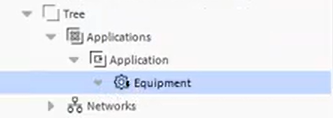
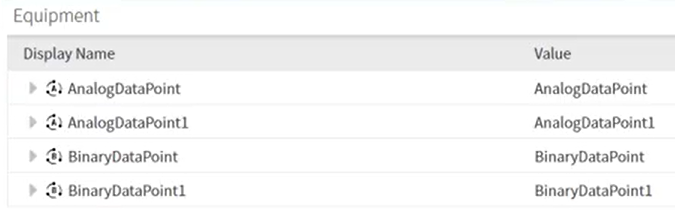
Components added under Equipment are not displayed in Property Sheet
Solution
Web views, such as the Property Sheet, are not fully supported. The Property Sheet view is often problematic, so it is recommended to use the AX Property Sheet for now.