
This document describes the process of opening existing project in FCU Updater.
1. Click ‘Open Project’ button. It will open an existing project stored on given location usually locally on a PC.
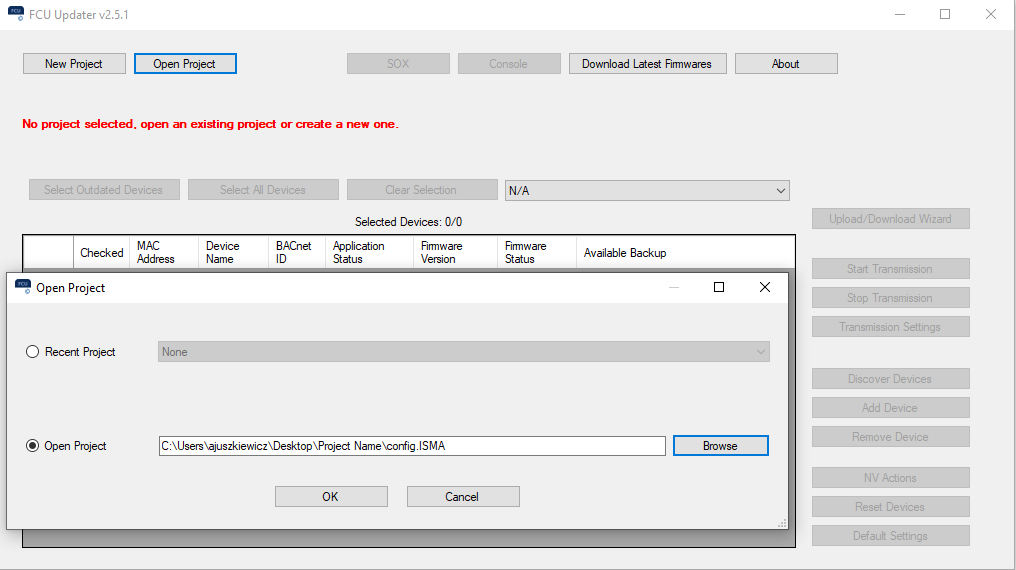
Picture 1. Opening an existing project.
2. To open an existing project, the user has two options available:
-
selecting the project name directly from the drop-down list in the ‘Recent Project’ field,
-
browsing and finding a folder of an existing project, then pointing out a project's configuration file 'config.iSMA' in the project folder.
3. After pressing the ‘OK’ button, the existing project opens depending whether the system can localize the configuration file.