Breadcrumbs

Step 5: Selecting the Temperature Control Value Source and its Connection Details

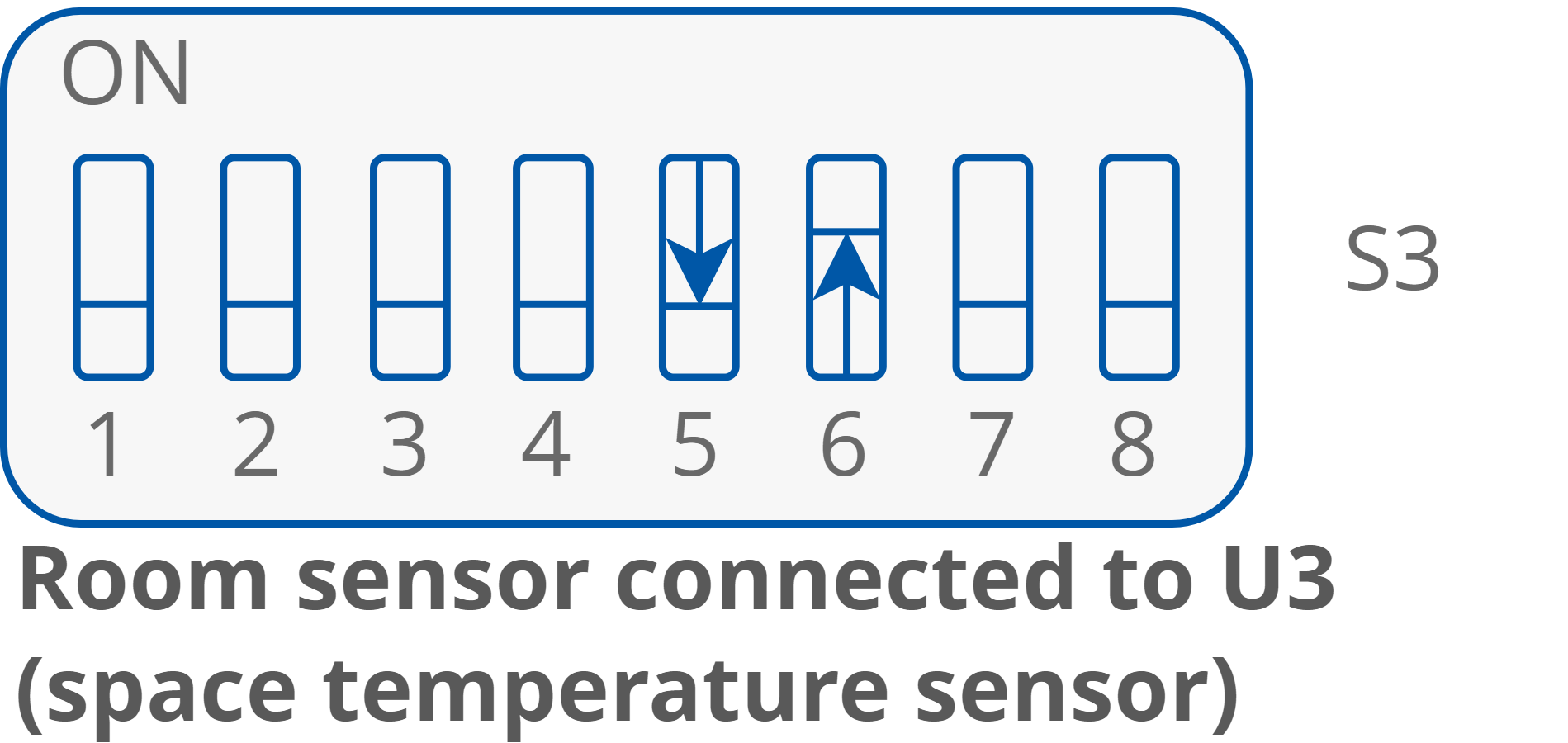
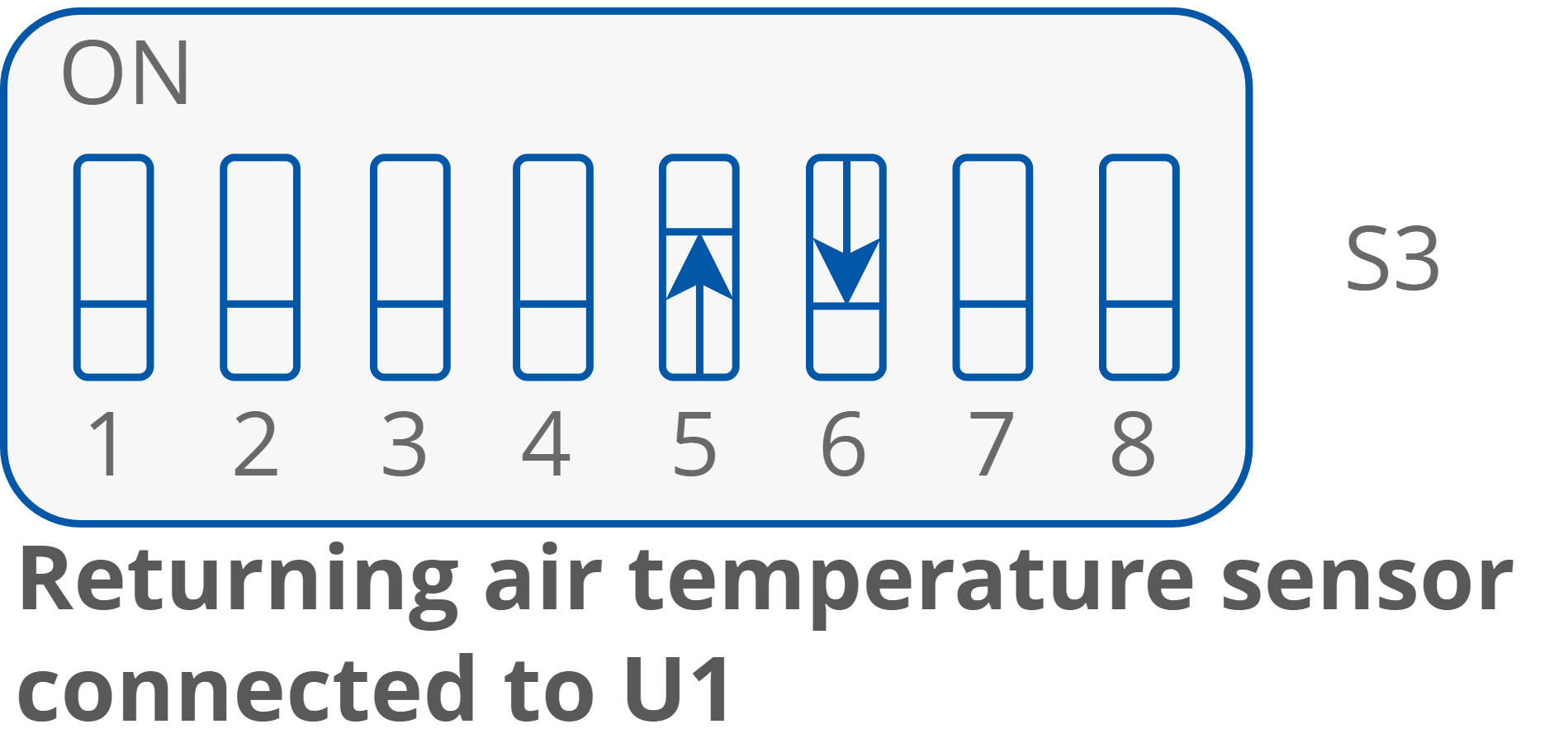
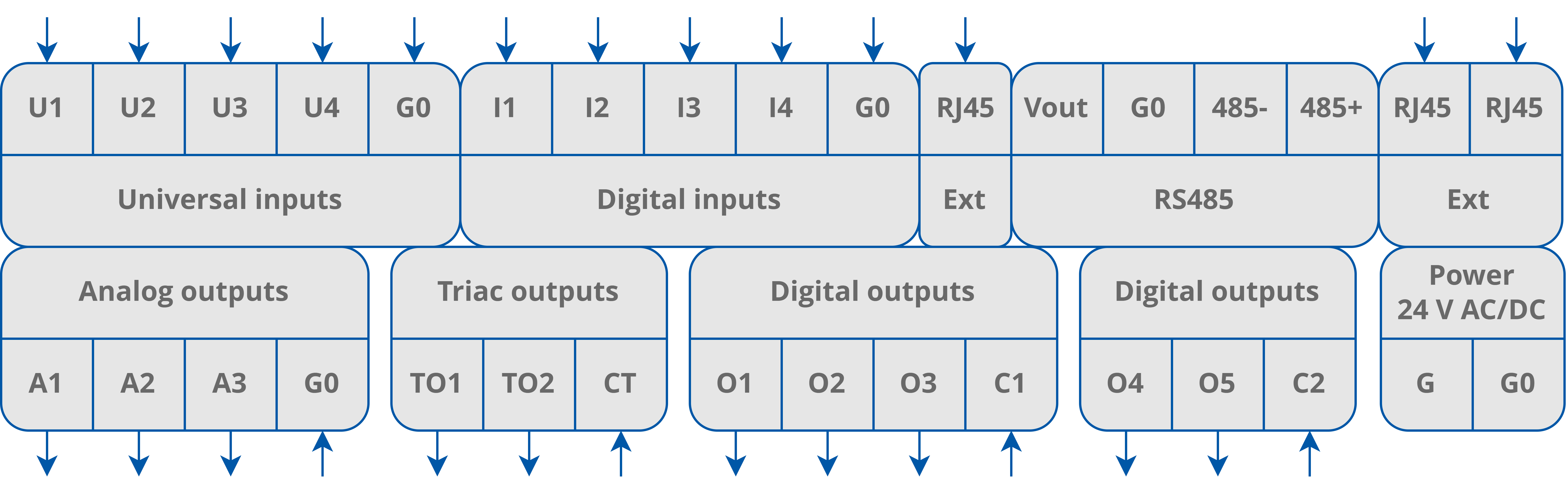
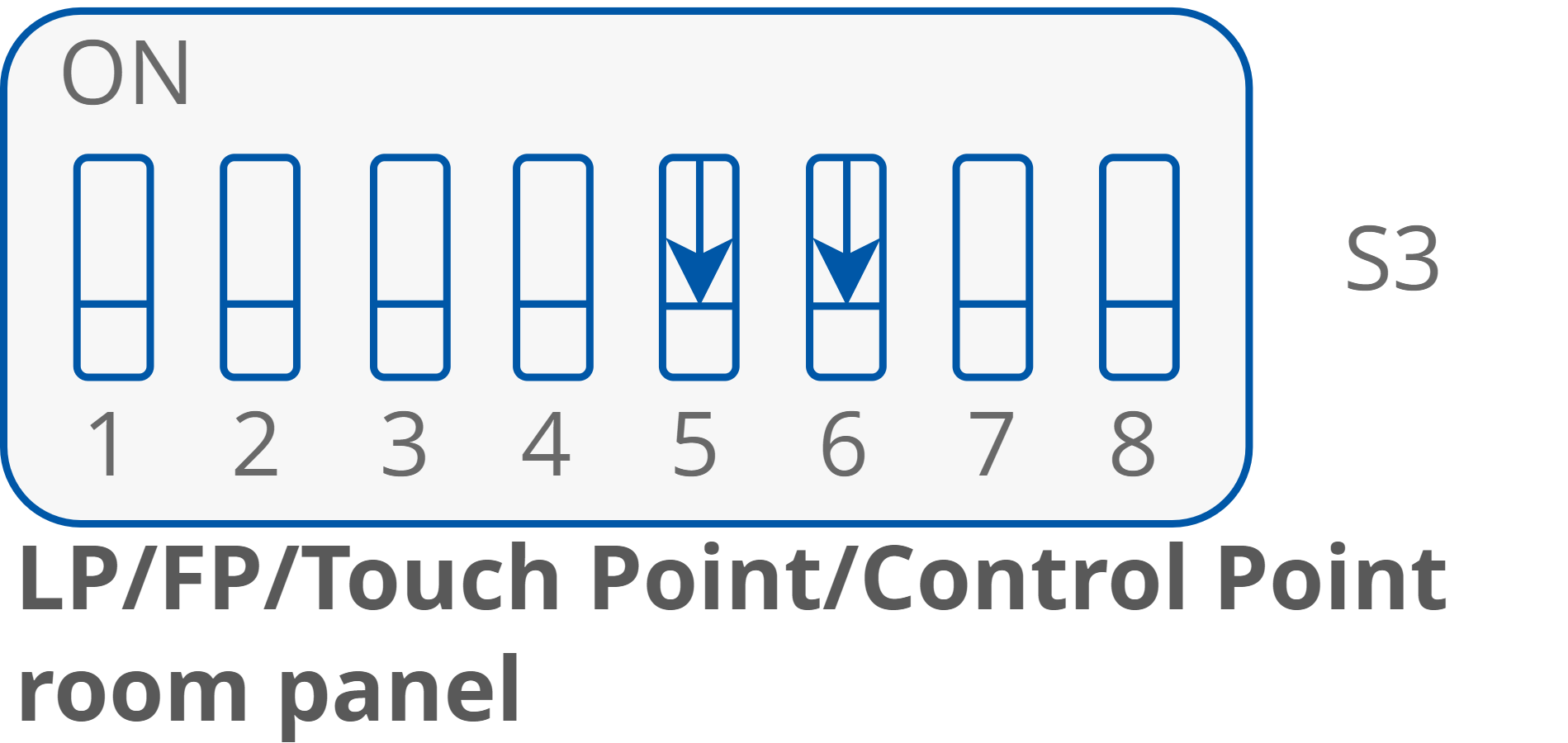
The temperature control value source has to be specified with the DIP switches 5 and 6. By default, the sensor’s type, served by the controller’s inputs U1 and U3, is the 10K3A1 NTC.

The temperature sensor type can be changed using the iC Tool software.
32 Connectors.png
RAC18-IP connectors

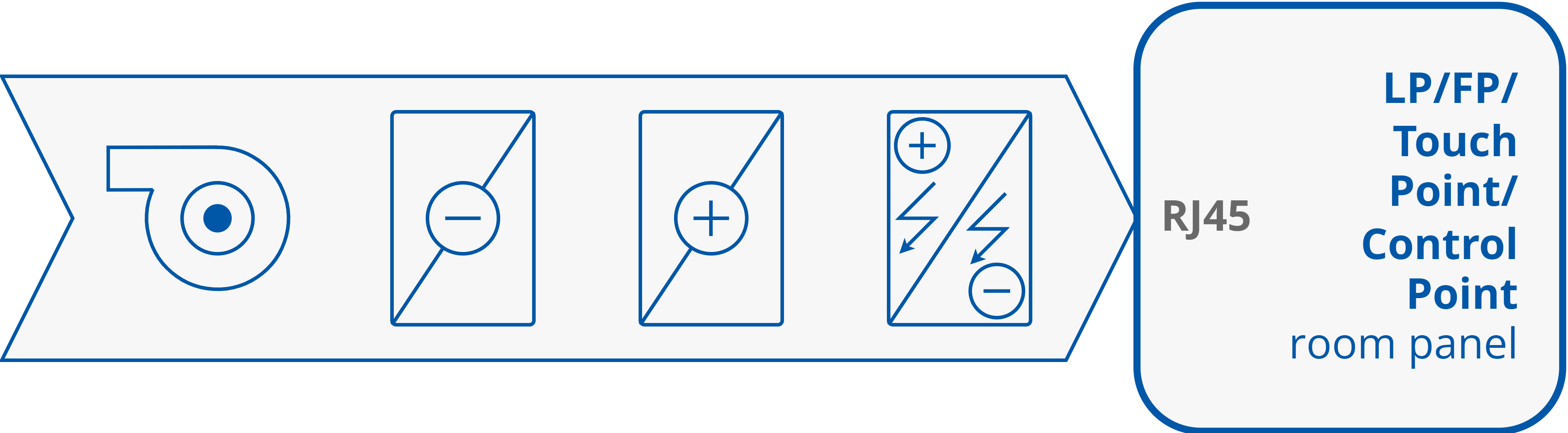
Temperature Source: Touch Point/Control Point/LP/FP Room Panel
11 LP_TP panels connection.png
11a LP_TP panels connection.png
LP/FP/Touch Point/Control Point room panel set as a temperature source

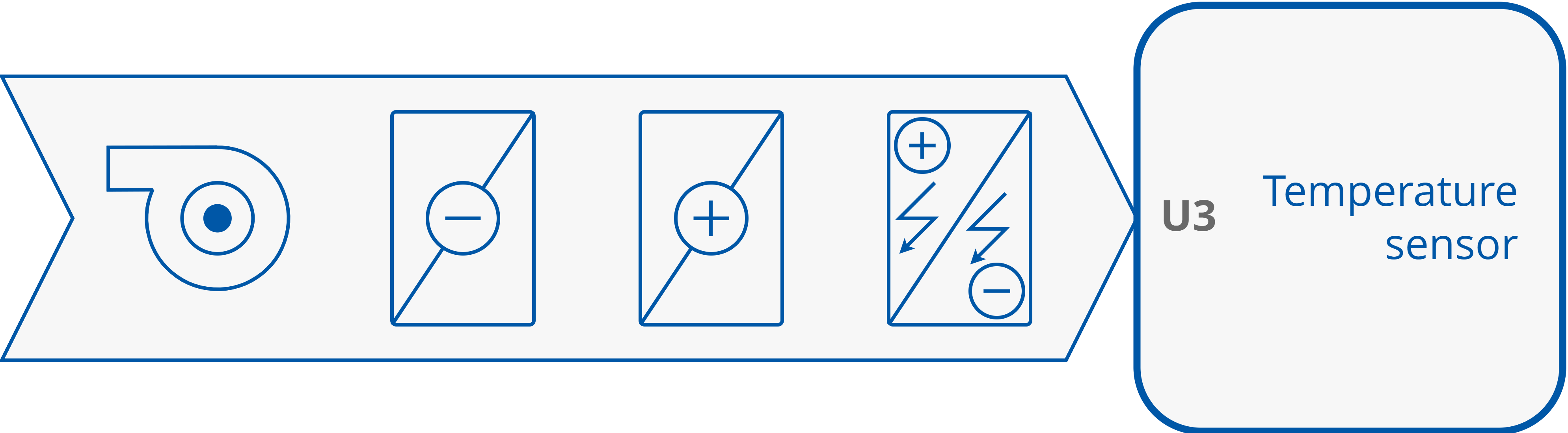
Temperature Source Connected to U3

12 Temp sensor U3.png
12a Temp sensor U3.png
Temperature sensor connected to S3 as a temperature control value source

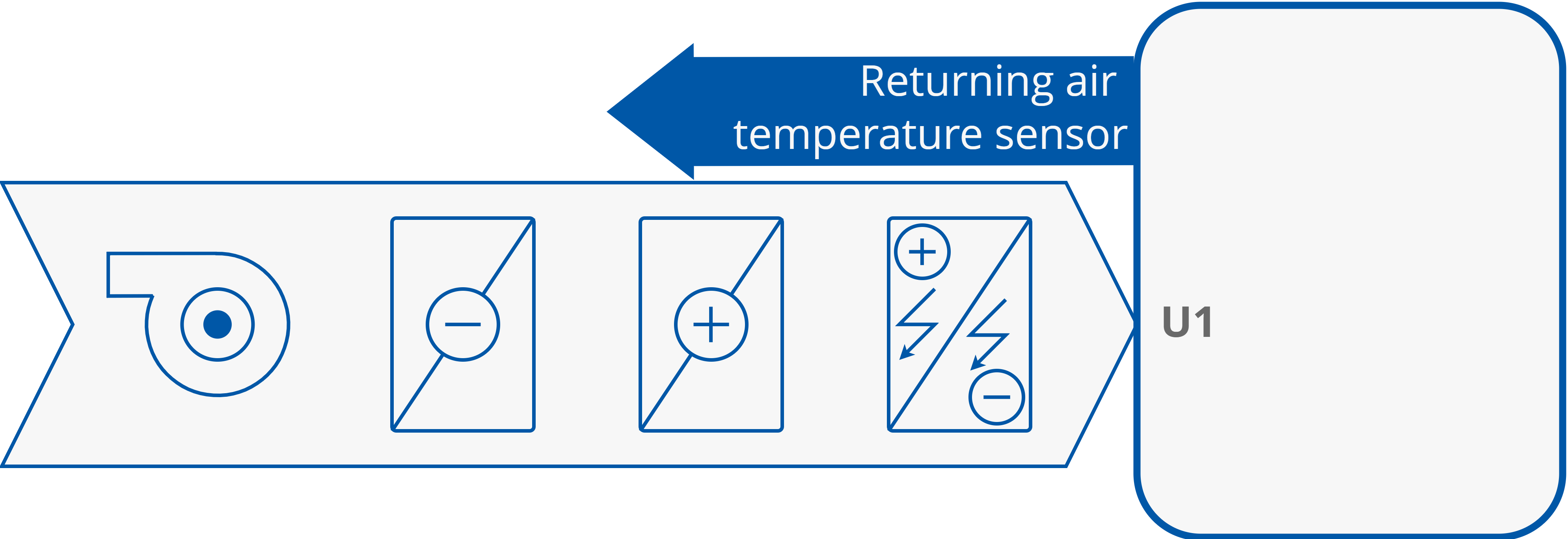
Temperature Source Connected to U1

13 Returning air sensor U1.png
13a Returning air sensor U1.png
Returning air temperature sensor connected to S1

Temperature Source Connected to RS485 Network
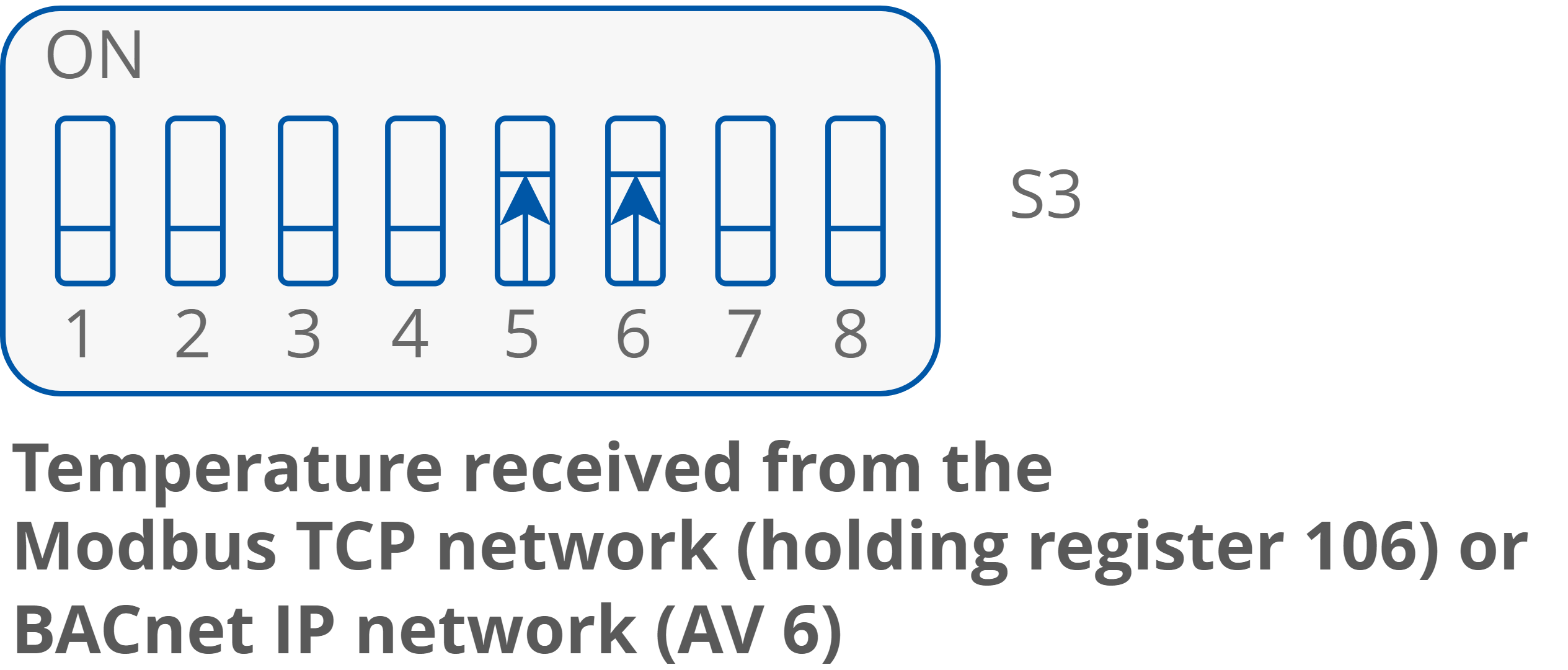
14 Temperature from Modbus.png
14a Temperature from Modbus.png
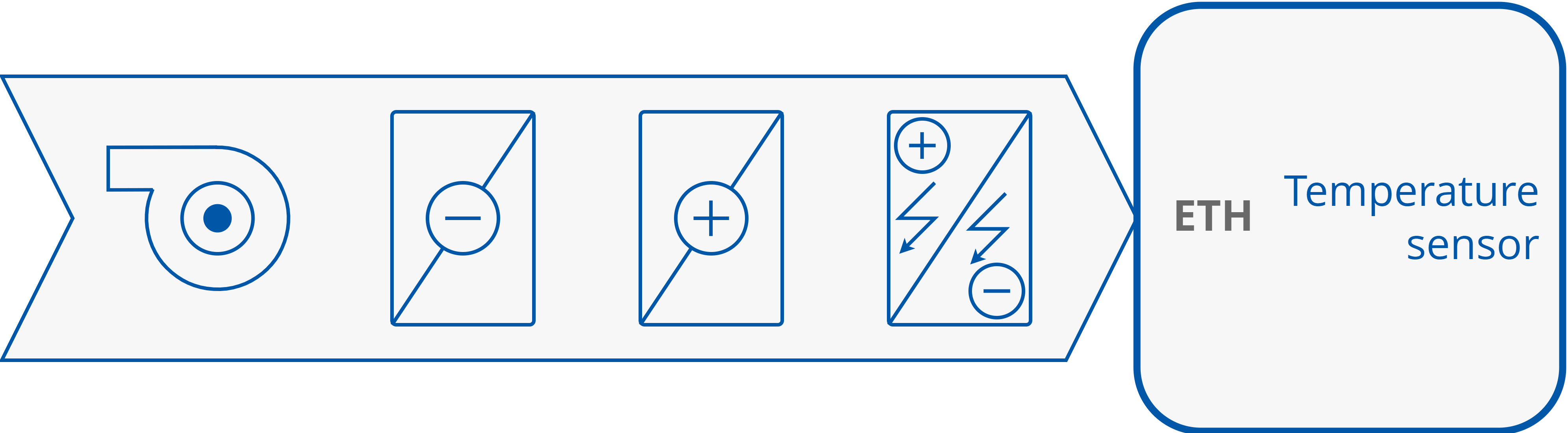
Temperature control value source set to the Ethernet network