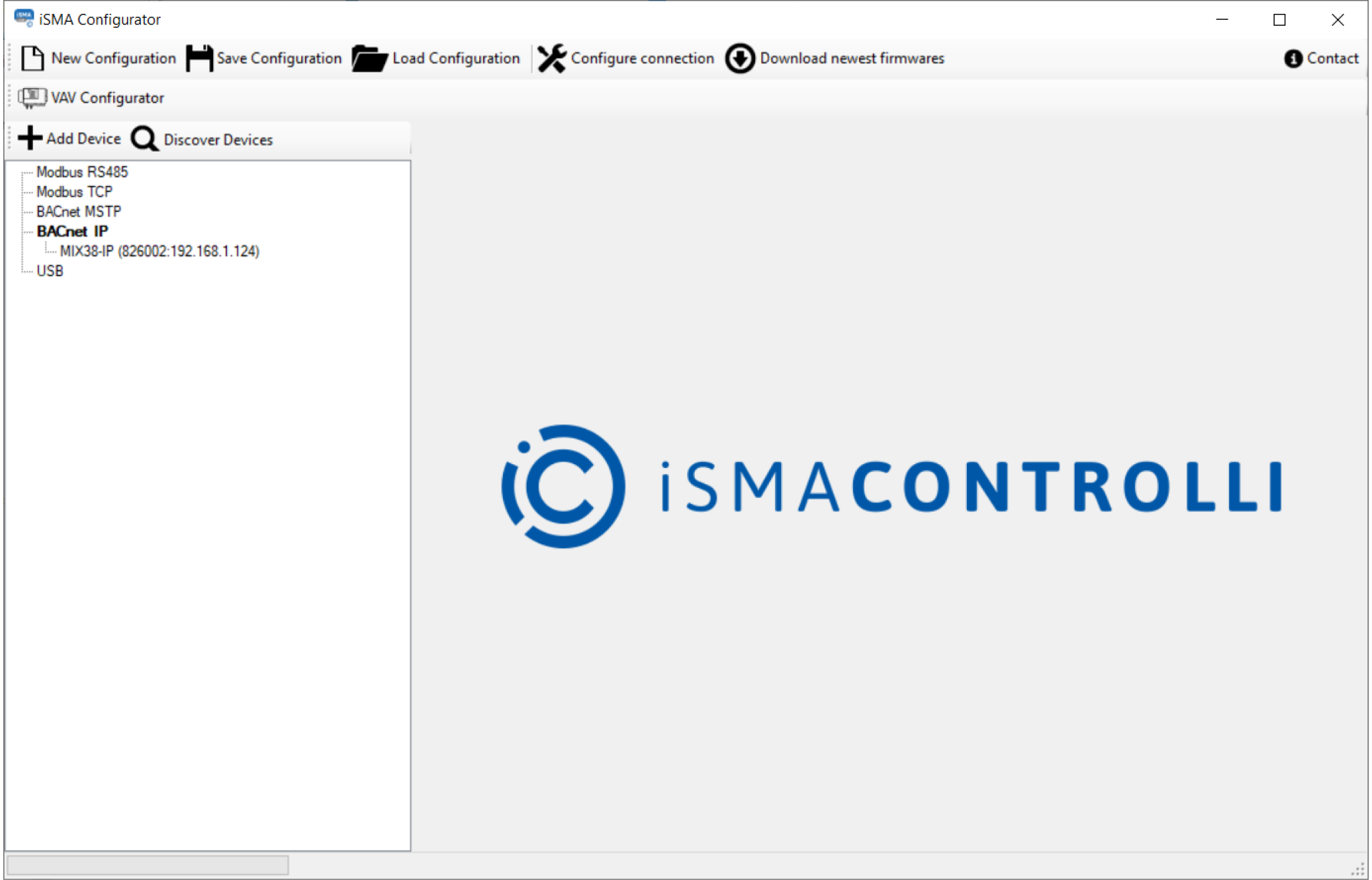
It is possible to discover devices via the BACnet IP if the network is built on IP devices. In order to start the discovery, make sure that the PC is connected to the same network as the devices and has the IP address in the same network segment.
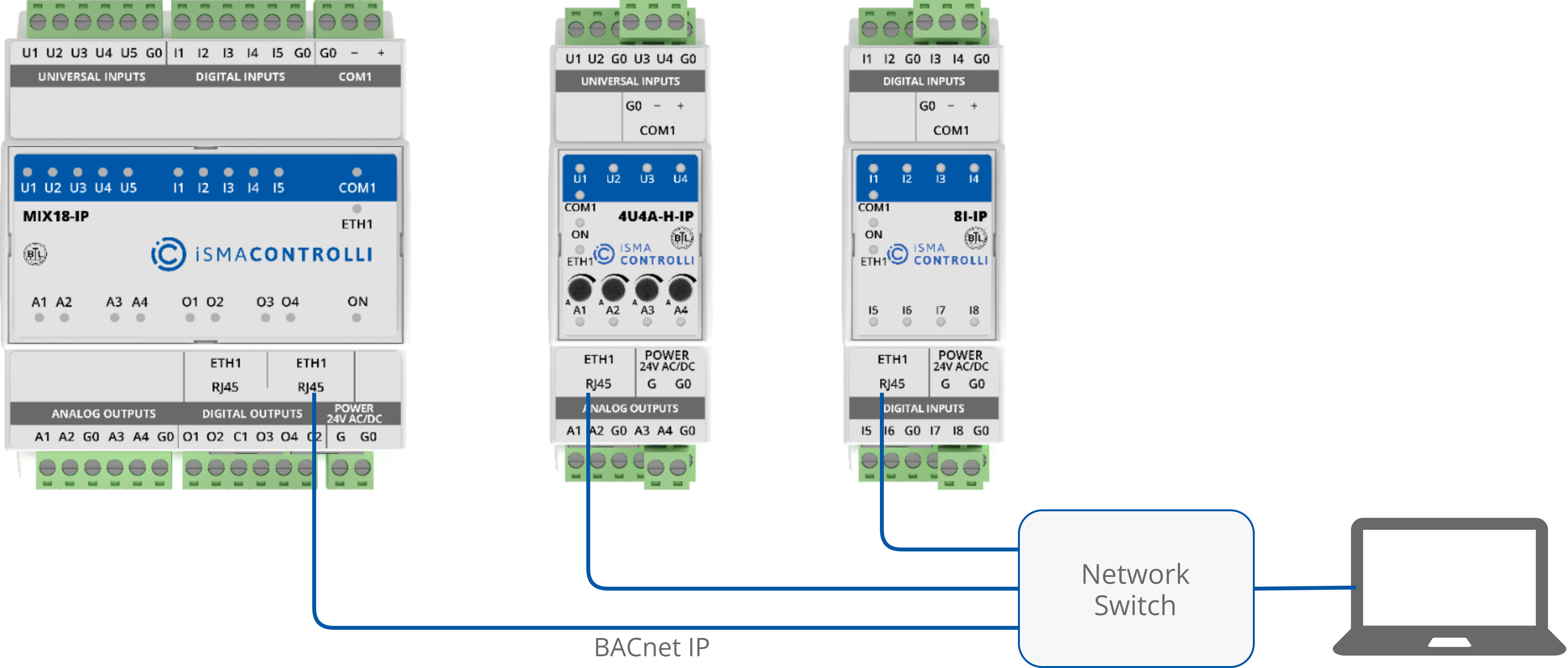
The example of device connection is shown in the figure below.
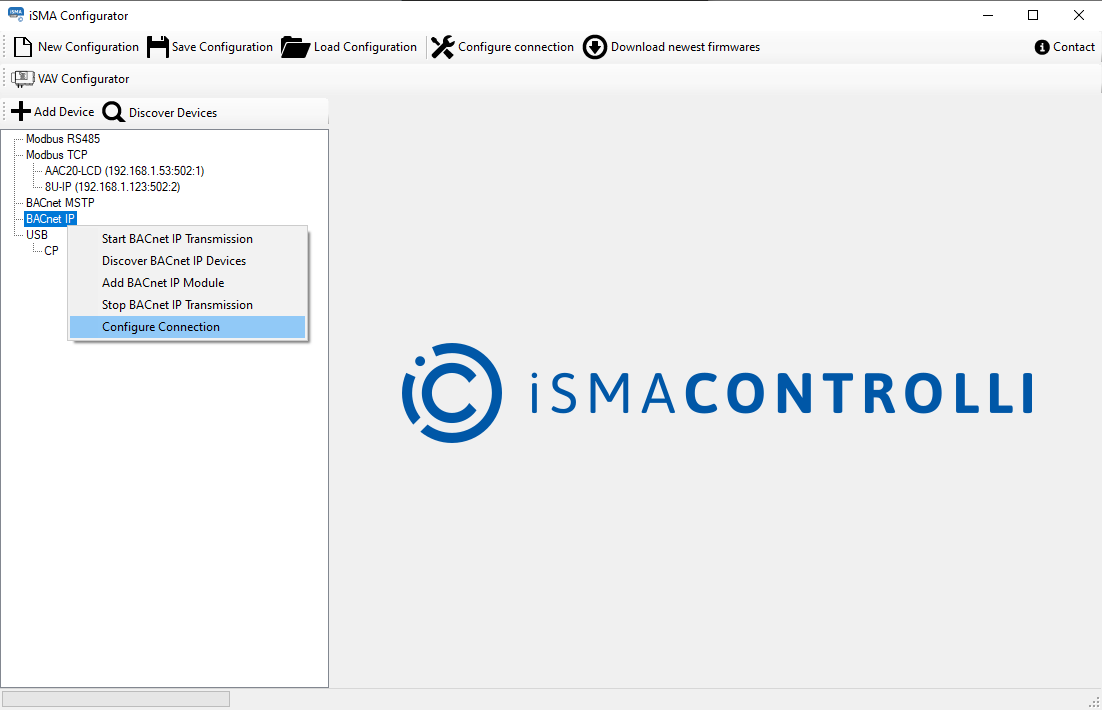
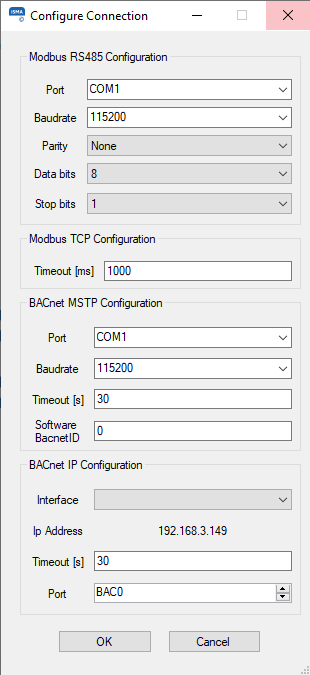
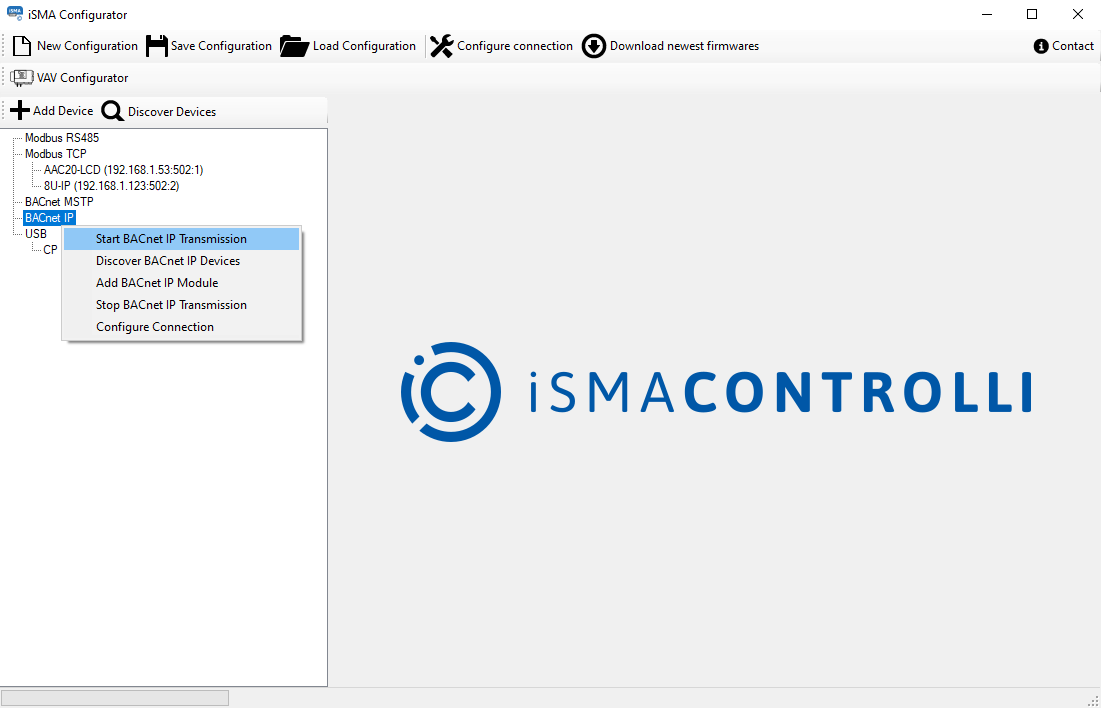
Before starting the discovery process, it is necessary to start the BACnet IP Transmission. If the user neglects to do so, the iSMA Configurator reminds to do it in a pop-up window.
Note: If all devices are not found after the first scanning process is complete, increase the timeout value. If some missing controllers are still found, add the missing devices manually by pressing the Add Device button. The devices discovered or added manually become visible under the BACnet IP branch with their ID and IP address, as in the figure below.