
Issue
The I/O modules go into a state in which they cannot be communicated with in any way, the COMM and ON LEDs flash alternately and when connected to the iSMA Configurator it shows a message about being in the bootloader state.
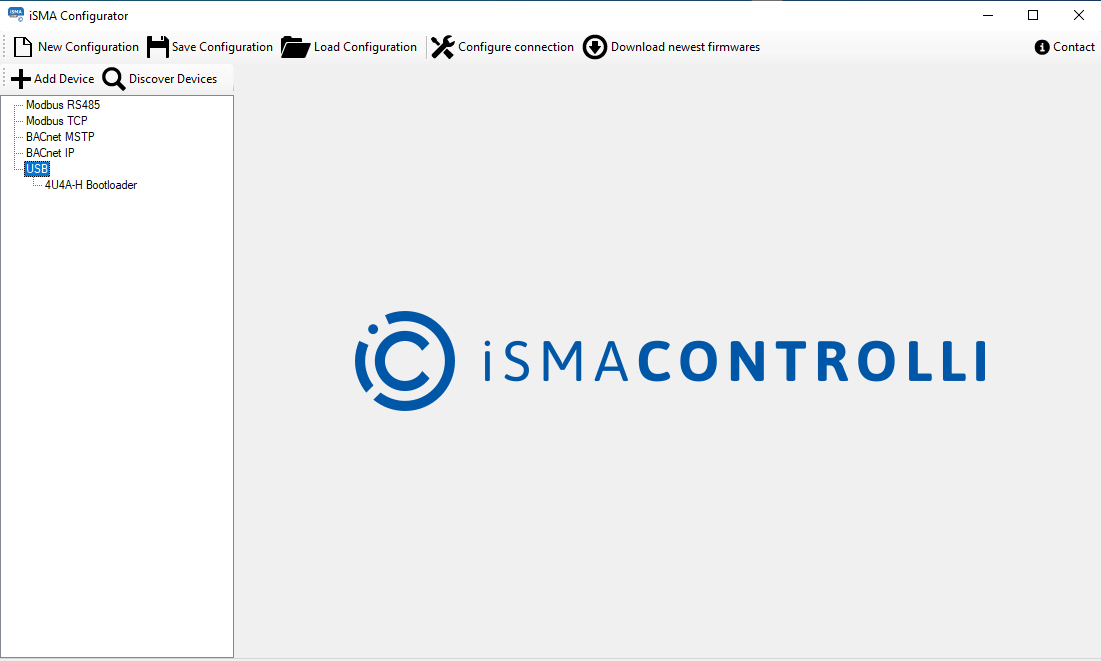
Possible solution
-
Check DIP switches whether they are not all in the ON state.
-
Check whether a command is sent to Modbus address 0 from Write register 0 for the value 0x04FF (decimal 1279) or Modbus function 0x5A (decimal 90). Such registers can be sent in special cases:
-
global operations (broadcast) to many devices at once,
-
special operations requiring non-standard functions, such as the 0x5A function,
-
change of device’s settings or state, where the 0 register is responsible for key operating parameters, while the 1279 value has a specific meaning for the device.
-
-
Follow the below procedure:
-
close iSMA Configurator if opened,
-
switch off power supply (along with the USB cable)
-
switch all DIP switches to ON and rotary switches to 0 as below:
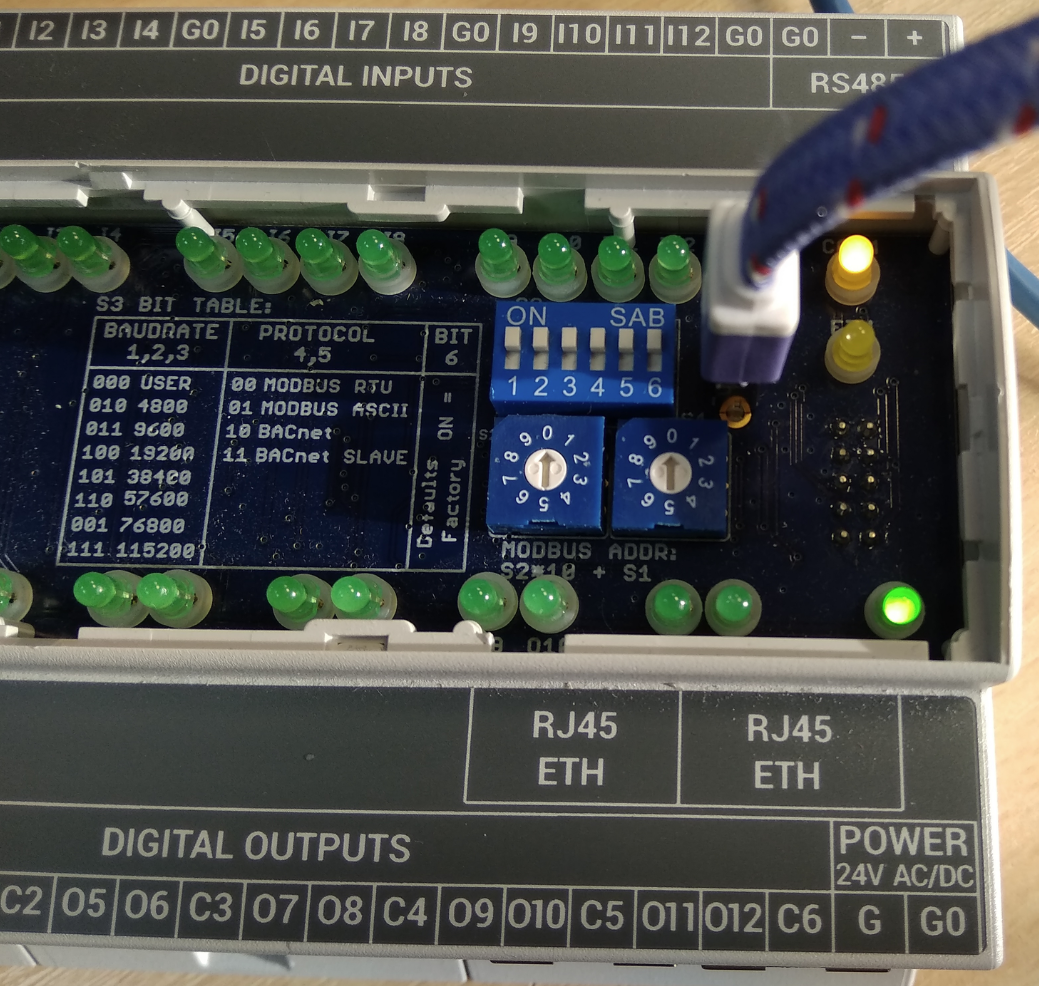
-
bring back power supply with USB - COMM and ON LED diodes should start blinking alternately,
-
start iSMA Configurator (update process should start),
-
by the end of the update process, set any DIP switch to OFF for the device to leave the bootloader mode. Otherwise, the update process will loop indefinitely.
-