
To implement the user library directly to the Software Manager in the iC Tool, first, compile it in the Visual Studio once all components for the library are ready.
Warning!
Please note that the .pe file extension is required for libraries created with the nano EDGE ENGINE SDK. Libraries compiled in another format will not work properly.
Then, use the Import functionality in the iC Tool (Import>Import Framework Files) and choose the compiled .pe file.
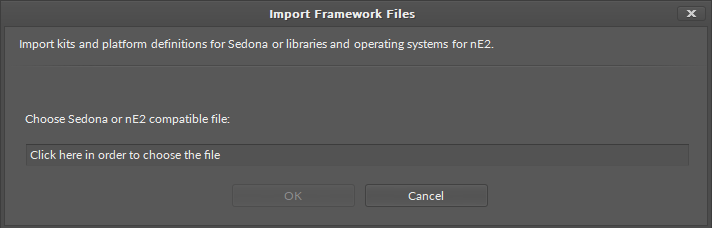
The library will then become visible in the Software Manager ready to be installed on the controller.
To learn how to use the Software Manager, please see the iC Tool user manual.