
Issue
M-Bus meters go into the Down status after adding them to the network using MG-IP. General communication problems between MG-IP and meters.
Possible solutions
M-Bus meters in down status after adding them using MG-IP
-
Check if communication cabling is made correctly or shields or external interferences do not interrupt the transmission.
-
Check if devices are correctly powered up and there are no power losses.
-
Try using a different power supply type - AC or DC depending on what was used first.
-
Update the firmware to the latest version. If the latest firmware has already been uploaded, reload it.
-
Restore factory settings on the device.
-
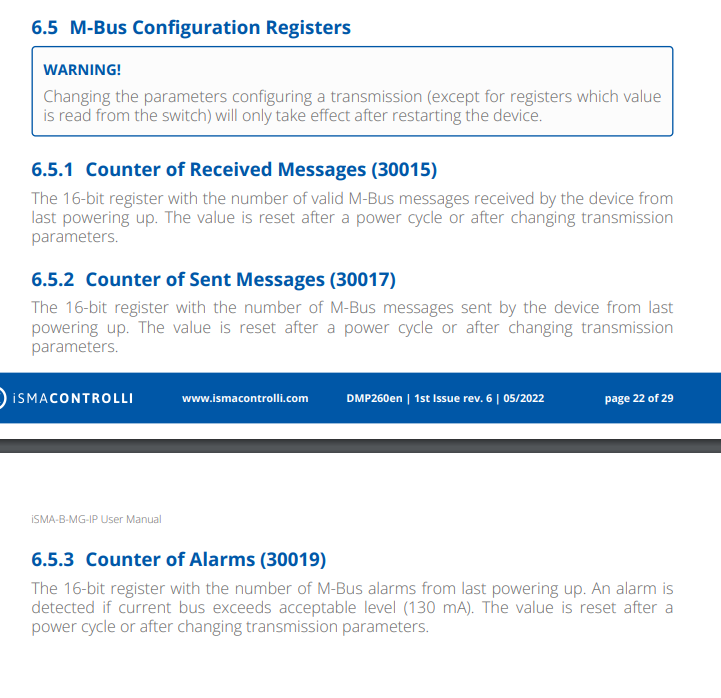
Check the communication logs, especially, for any alarms (check if the ALARM diode is lit).
-
Reduce a number of meters on the network and see if the communication improves.
-
Reduce a number of meters one by one until the system starts operating properly.
Communication problem between MG-IP and meters
-
Update the firmware to the latest version. If the latest firmware has already been uploaded, reload it.
-
Restore factory settings.
-
Using a dedicated software, verify frames sent by the meter. If a frame includes a lot of zeros, it will not be read properly by the device. For example:
2022-11-09T08:05:47.790+0100 info Received data:6896966808017235124726ee4d480d6e000000446d000081264406000000004d861e7634fe00000000000000000000000000000000000000000000000000000000000000000000000000000000000000000000000000000000000000000000000000000000000000000000000000000000c02022-11-09T08:05:47.790+0100 debug Rx:6896966808017235124726ee4d480d6e000000446d000081264406000000004d861e7634fe00000000000000000000000000000000000000000000000000000000000000000000000000000000000000000000000000000000000000000000000000000000000000000000000000000000c0
-
Check if the baud rate is higher than 4800. If not, set it to a value higher than 4800.
-
Add a 5 kOhm resistor to the line.