
Issue
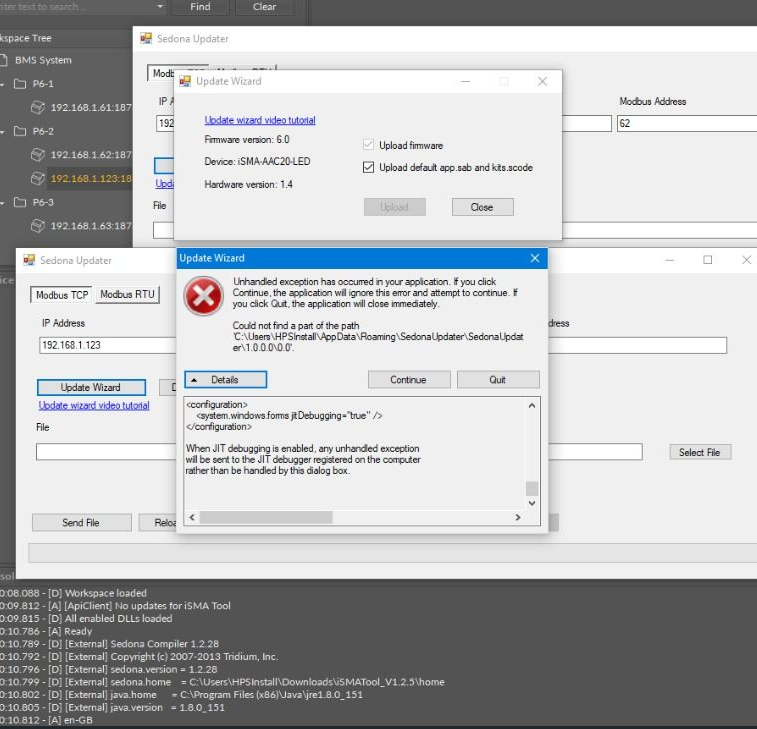
While updating the AAC20 controller using the Update Wizard, the pop-up window appears informing about a problem with finding a path as shown below:
Possible cause and solution
The user does not have access to the HPSInstall files location or such location does not exist.
Solution
-
Verify access authorization to the folder:
-
right-click on the folder with restricted access and select Properties;
-
go to the Security tab;
-
verify if the user account is on the list and has relevant access level (read, write, modify);
-
if not, click Edit and add the user account with appropriate access level.
-
-
Open the AAC_Updater with admin access.
-
Remove and add the AAC_Updater again.