
Issue
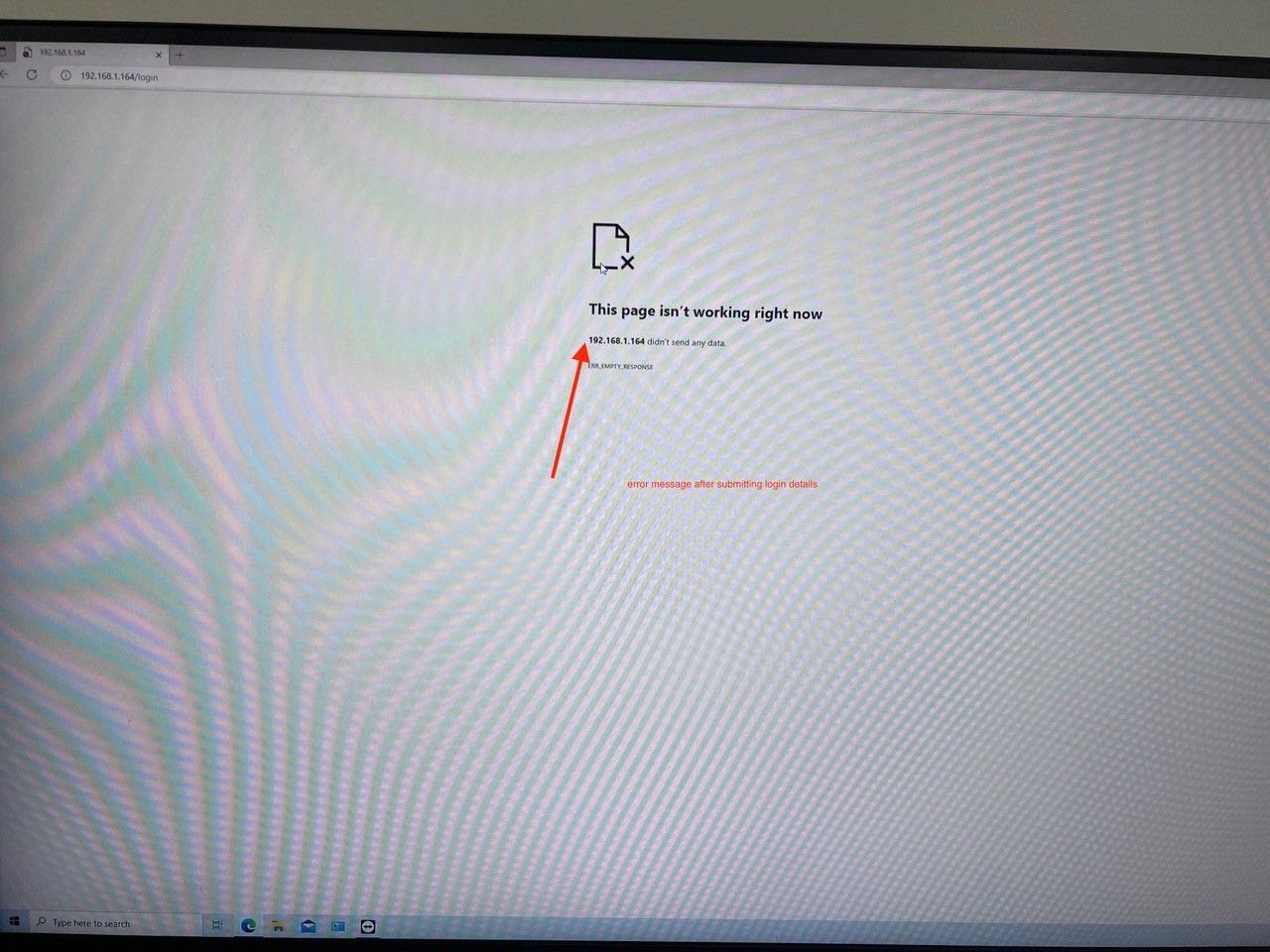
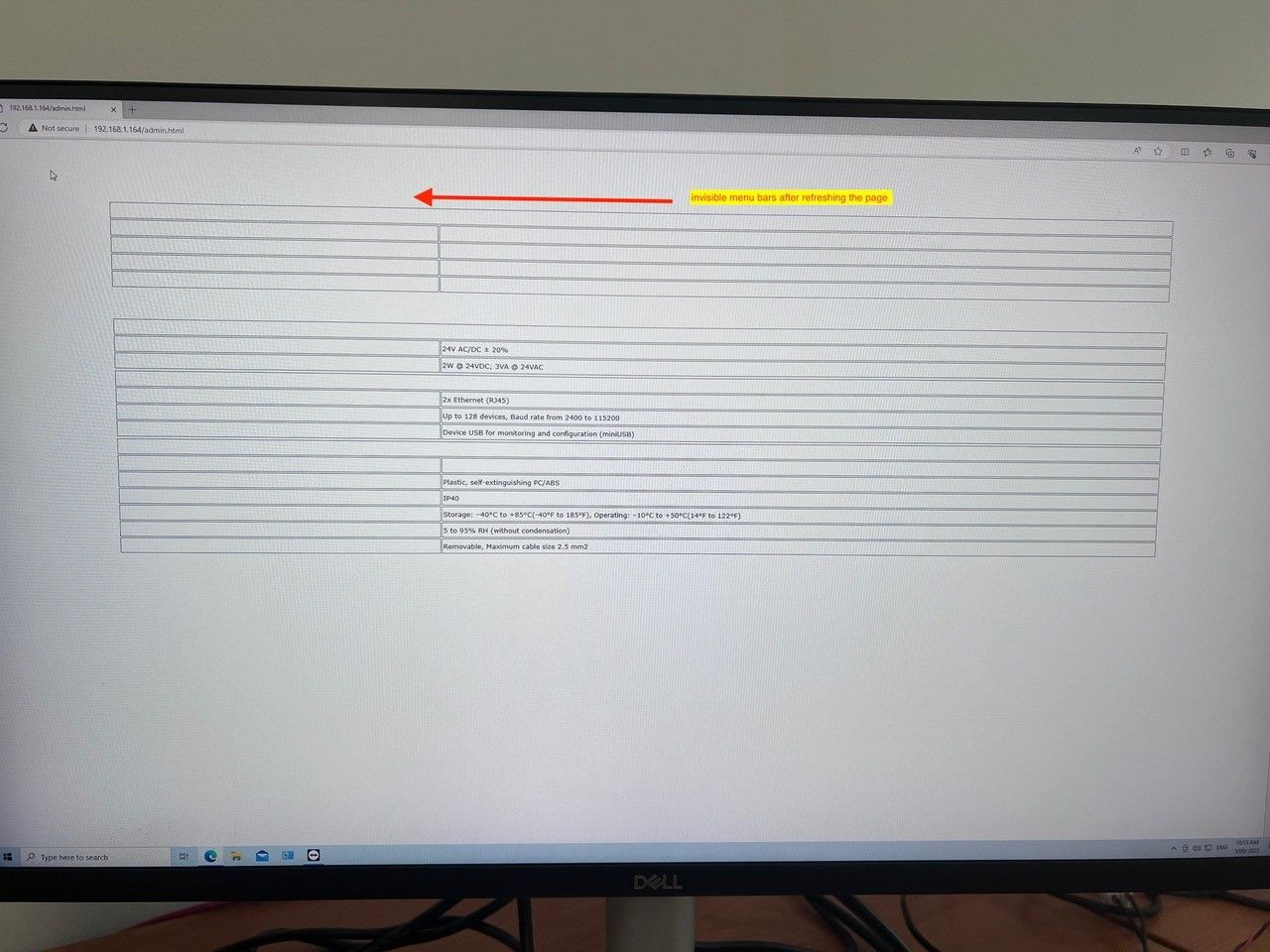
Connection to the module’s web server fails or, after logging in, the web server is not displayed properly.
Possible solutions
-
Check if the problem also occurs on a different web browser or different PC.
-
Check if data is properly displayed in iSMA Configurator.
-
Check if the security software on the PC does not have any Internet filters switched on. If so, turn them off.
-
Restore factory settings on the module, upload latest firmware and configure the module again.
-
Check the method the module is connected - router, switch, VPN, etc.
-
Check if the PC and the module are in the same network.
-
If the module is connected over WiFi, try using a direct cable connection.
-
In iSMA Configurator, check if the port is set to 80.
-
Restore factory settings on the module to reset web server settings.
-
Track and verify sent frames using the Wireshark software.