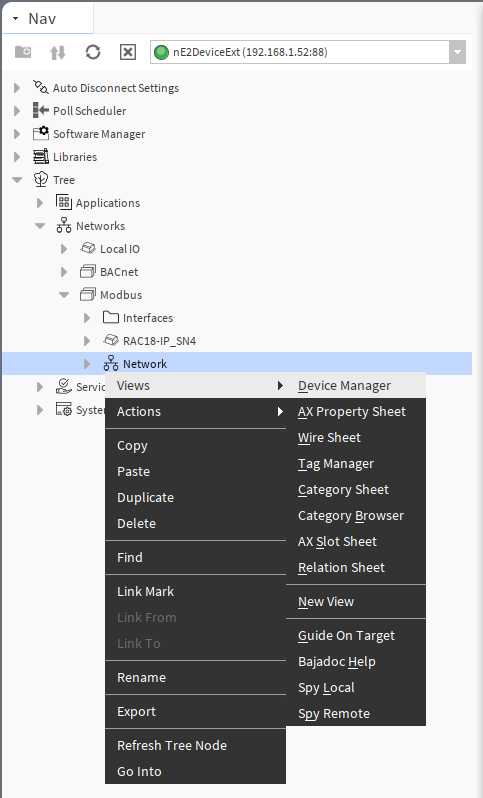
The Device Manager view is available for the Modbus Network component. It lists all Modbus devices added to the network. The Device Manager view shows the names, statues, device names and ID, and enabled or disabled states of the device. The special Exts columns provides quick access to the Point Manager (with all points of the relevant device).
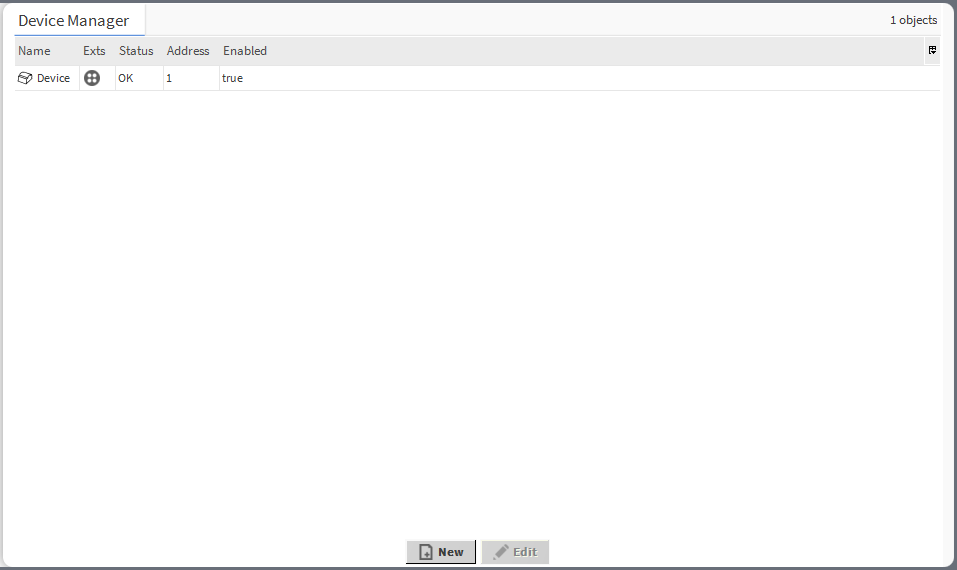
In the Modbus Device Manager, it is possible to:
-
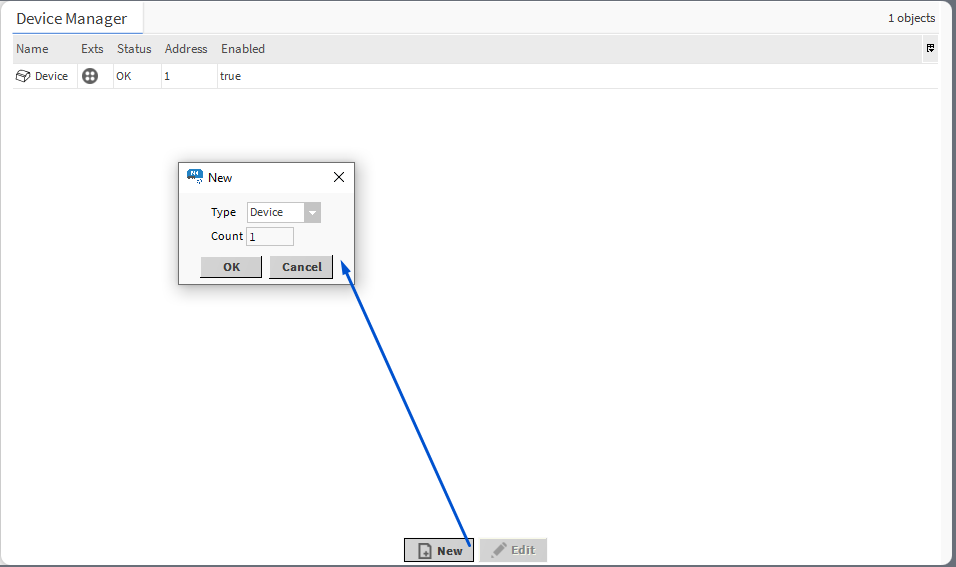
add Modbus Device component:
-
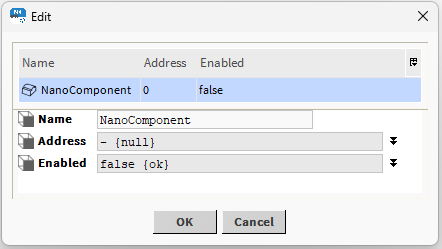
edit the Modbus device’s name:
-
copy/duplicate/remove Modbus device components:
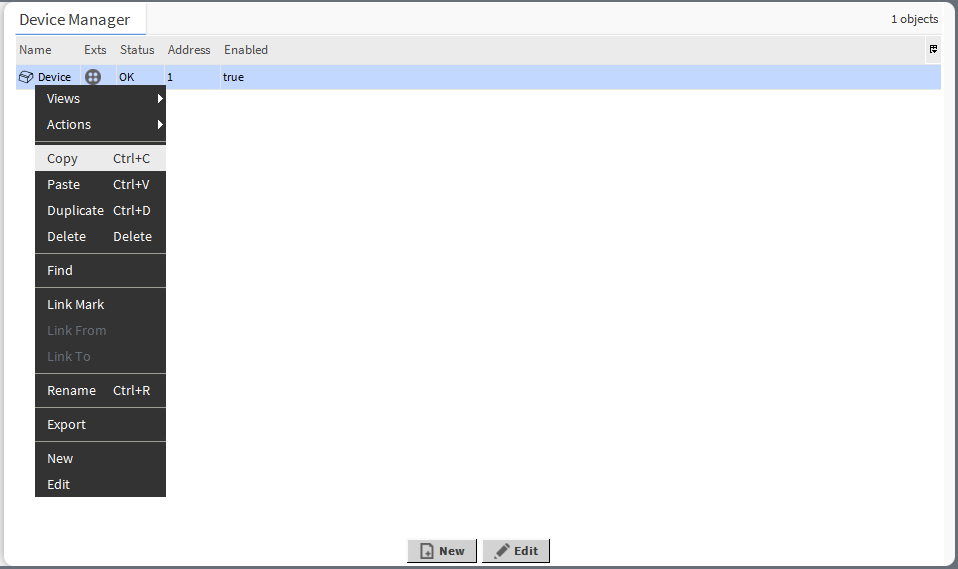
Opening Modbus Device Manager
The Modbus Device Manager view is accessible from the context menu of the Modbus Network component. It is also automatically opened if the Modbus Network component is double-clicked in the nav tree window.