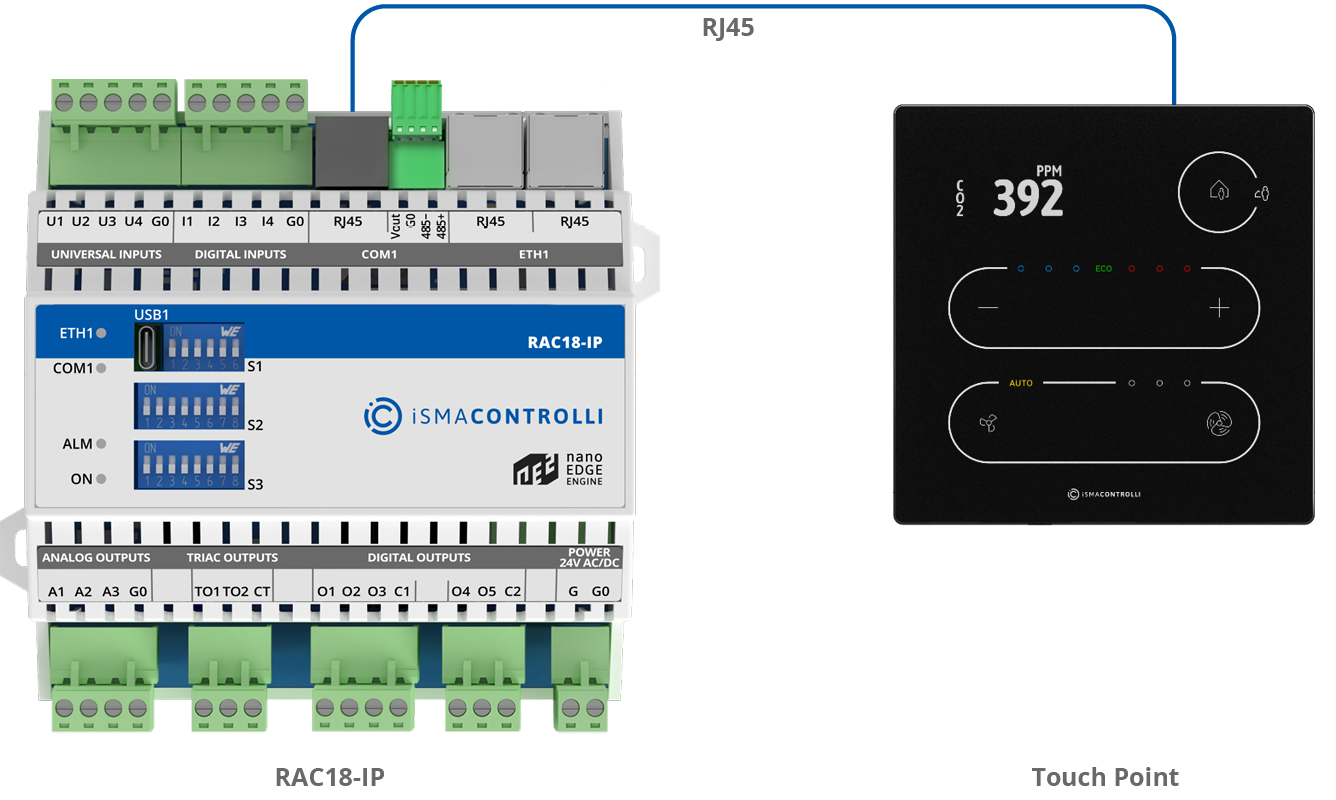
The Touch Point panel is connected to the RAC18-IP controller’s RJ45 socket. This connection provides panel power supply and communication.
If the panel is connected, the user can decide, which temperature sensor to control the algorithm, from the panel or from universal input. The temperature source is chosen by the S3 DIP switches number 5 and 6, according to the table above. Using the Touch Point panel, the user can set and display many RAC18-IP controller’s parameters, such as fan speed, setpoint, offset, occupancy status, etc. If using the Touch Point device, the configuration and user parameters are synchronized with the BMS, the last change from the BMS or panel is the most current.
Communication settings
Please note that communication settings for a proper controller-panel connection are required as follows:
-
protocol: Modbus RTU;
-
address: 1.