
Issue
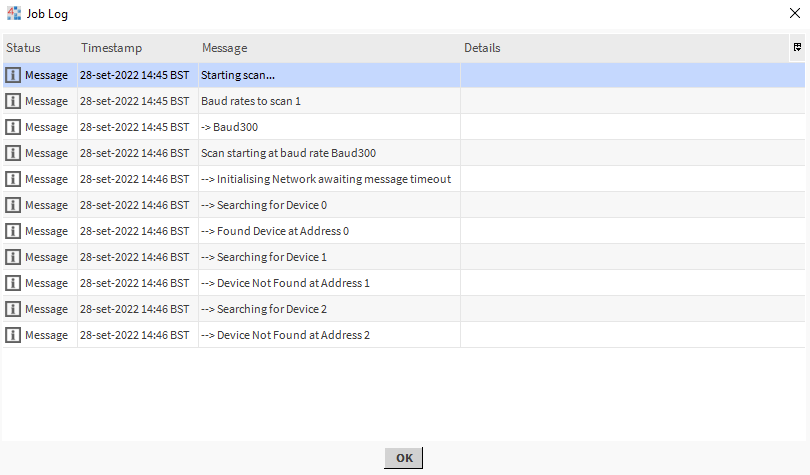
M-Bus meters connected to the MG-IP module are not discovered by the supervising controller (for example, Niagara controller).
Possible solutions
-
Check if the meters primary address is set to 0. If yes, it will not be read by Niagara.
-
Try discovering meters using the secondary address, first, using no filters. If this fails, try using one of the following filters:
-
Manufacturer ID
-
Medium (Device Media)
-
Device Version
-
-
Check if the secondary address is entered correctly. Make sure to define it properly:
-
Device ID (Serial Number) - 4 bytes
-
Manufacturer ID - 2 bytes
-
Medium (Device Media) - 1 byte
-
Device Version - 1 byte
-
-
Connect meters one by one and discover them using the Single device discover function. Set the meter’s primary address to a different value than 0.
-
Check if the wiring is correct.
-
Check if addresses of every device are unique.
-
Check if communication parameters are compliant over the whole bus.
-
Restore the MG-IP module to factory settings and update the firmware.
-
Check if the number of meters does not exceed 60.
-
Check is the load is not more than 130 mA.