
Adding the Module
The iC Device Manager service is a part of the iC Workbench and iC Niagara Expansion Pack (from version 4.14).
Note: For a correct operation of the iC Device Manager service, it is required also to have the latest iClib version.
To start using the iC Device Manager service, go to the Palette window (in iC Workbench or other Niagara tool) and select the Open Palette option.
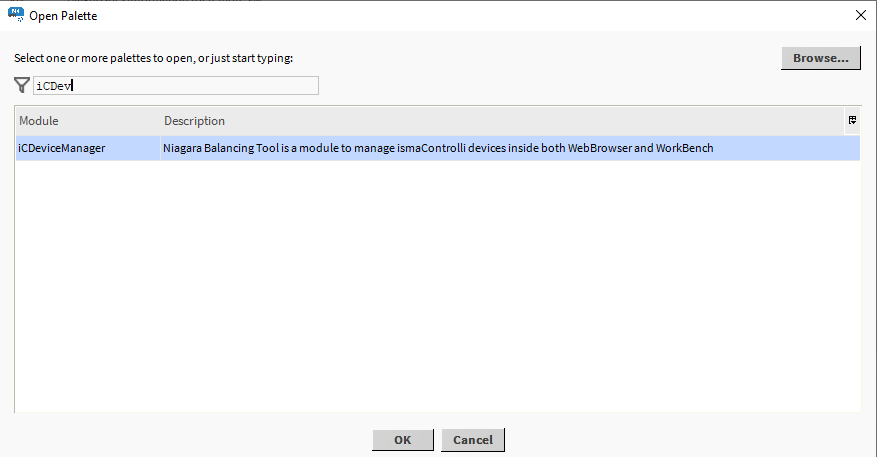
Confirm with OK, the palette is ready to use in the Palette window.
The only location where the service will operate properly is Config → Services.

Drag and drop the iC Device Manager service to Services.