Issue
The problem of missing manifests while using Niagara AX occurs when connecting to the AAC20 controller with a newer firmware, which causes Niagara to display an error of manifests lack of compatibility:

Possible cause and solution
Relevant kits versions were not imported to Niagara AX or manifests were not correctly generated after importing the Software bundle.
Solution
First, import the Software bundle (https://support.ismacontrolli.com/03%20HVAC%20%26%20Plant%20Control/iSMA-B-AAC20/Software%20Bundle/) according to the tutorial:
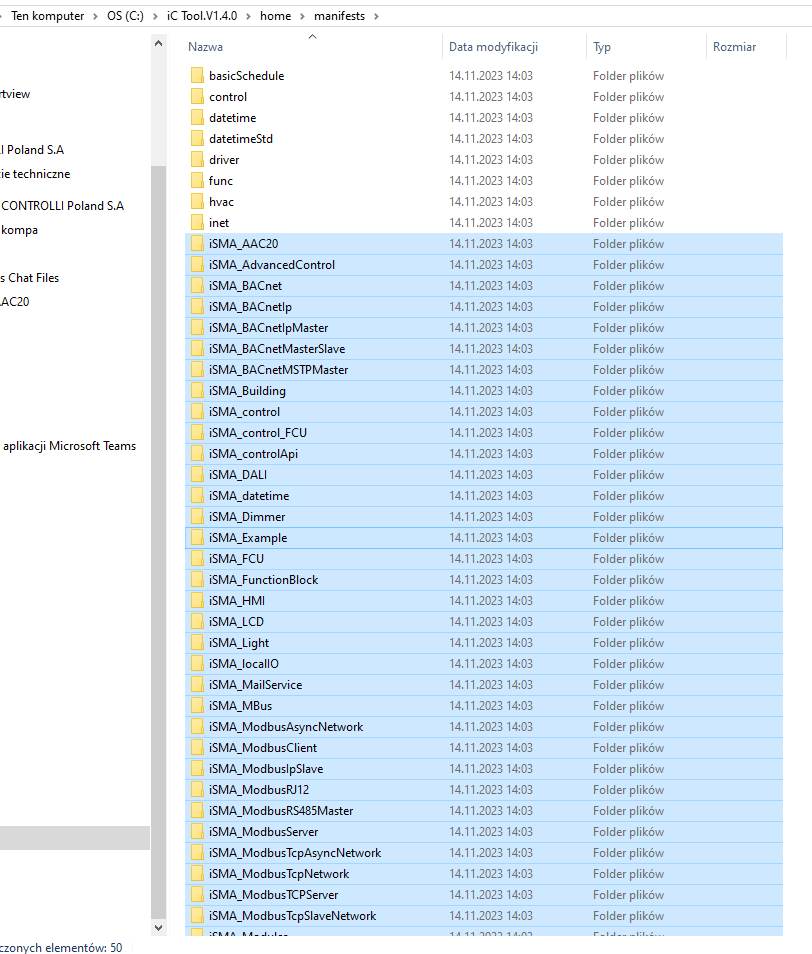
If the problem persists, it is required to manually copy the folders generated in iSMA Tool or iC Tool to the location of the Niagara AX manifests.