Issue
After a network scan performed with a dedicated software (finding holes and vulnerabilities in network infrastructure, for example, Nessus Software), the I/O modules stop working and have to be disconnected from power supply and then powered up again.
Possible solutions
-
Update the firmware to the latest version. If the latest firmware has already been uploaded, reload it.
-
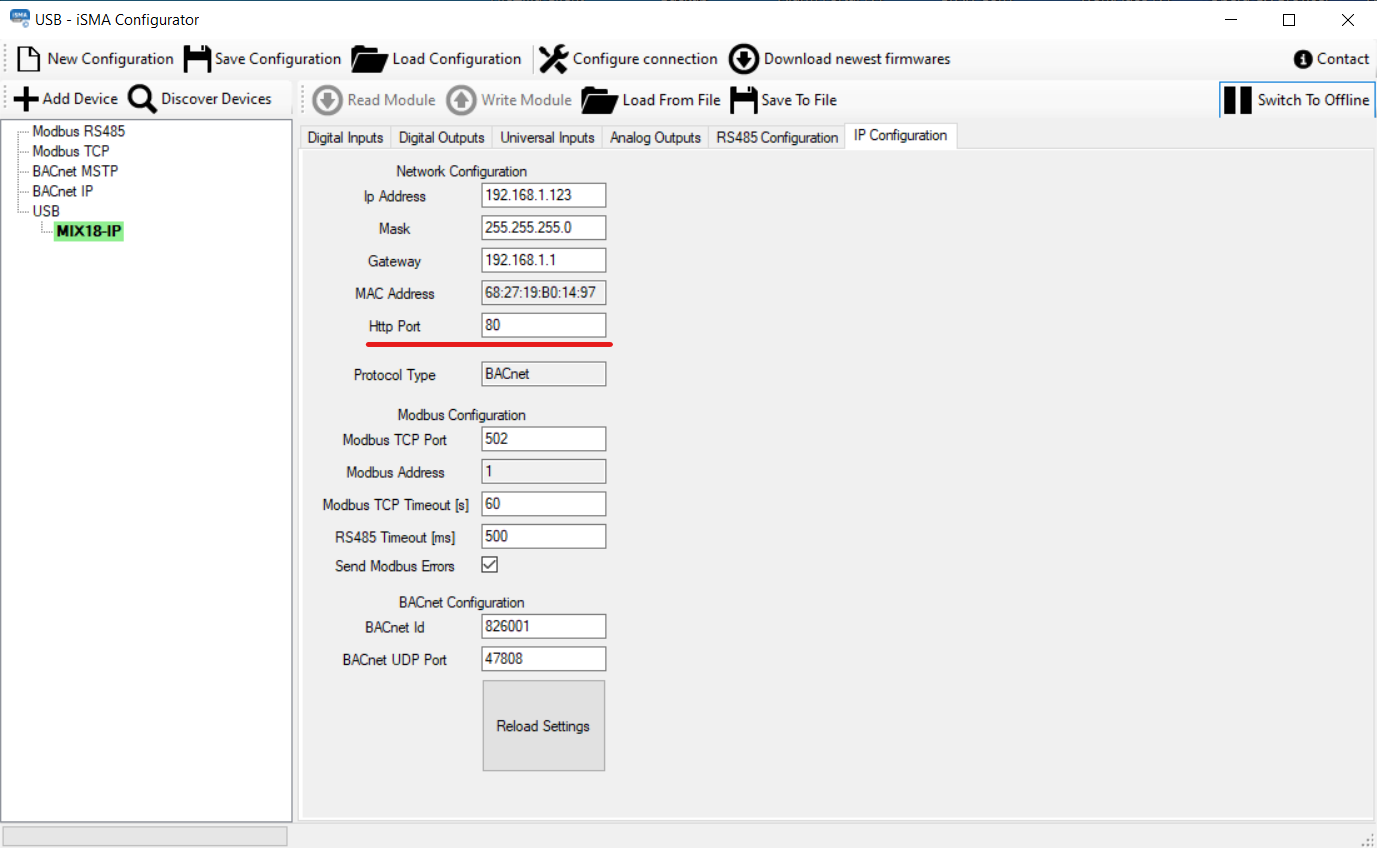
Switch off the web server by entering 0 in the Http Port field in iSMA Configurator. Communication with the web server slows down the IP communication, and with a long scan time, the devices start to restart. Turning off the web servers http stops the restarts and speeds up the communication.