
Issue
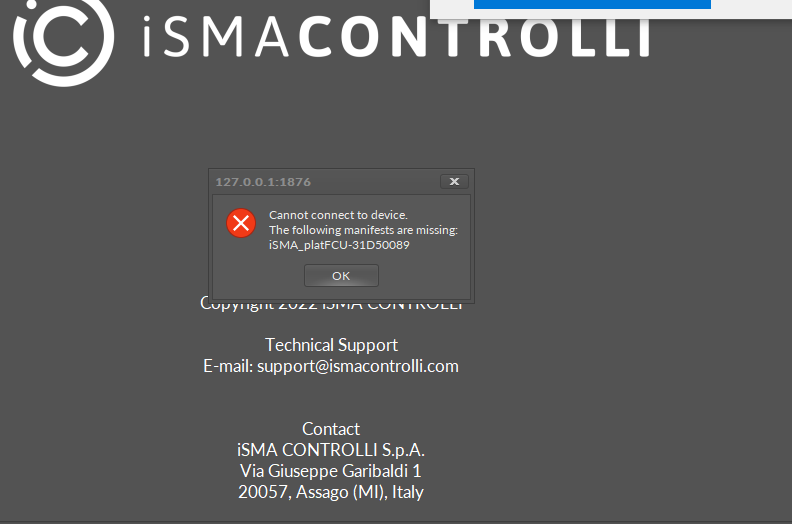
It is not possible to connect to the controller after a software update or on a first startup. The iSMA Tool requires a specific manifest file, which is most likely unavailable or was omitted during the update process.
Possible solution
To solve the problem, import missing files:
-
Download the FCU software bundle from https://support.ismacontrolli.com/04%20Comfort%20Management/iSMA-B-FCU/Kits/.
-
Import the iC_kits_FCU.zip in the iSMA Tool:
-
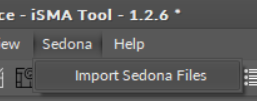
in the iSMA Tool go to the main menu: Sedona -> Import Sedona Files.
-
select and import the iC_kits_FCU.zip file from the downloaded software bundle.
-
After these steps, the iSMA Tool should recognize the missing manifest and connect to the FCU controller.