
The DALI Instance Discover view allows to automatically discover instances of DALI-2 input devices added to the DALI network.
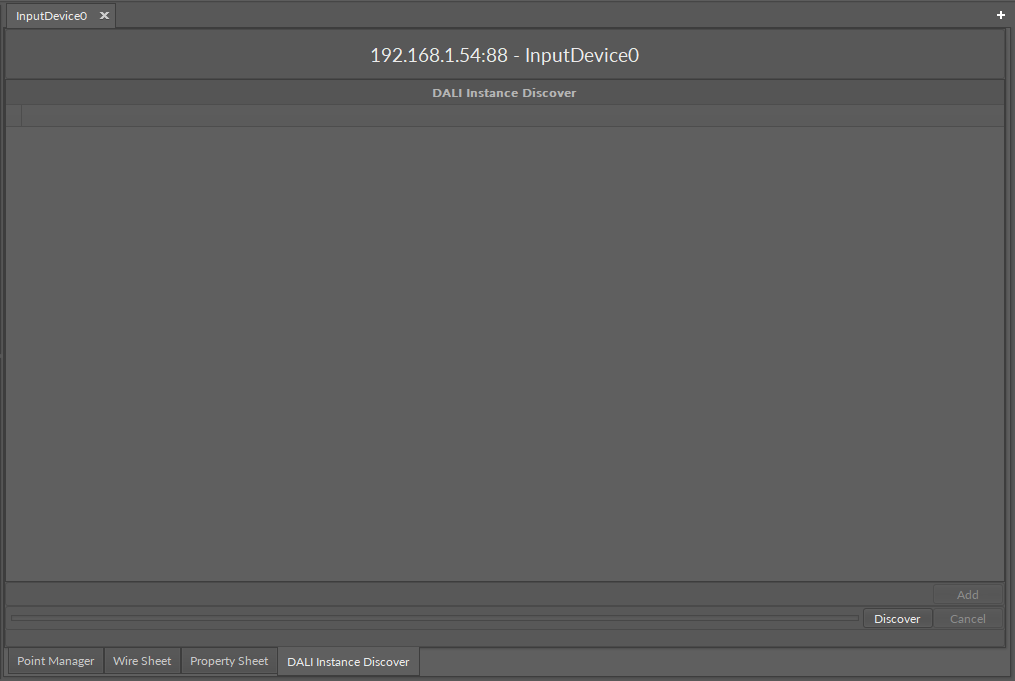
The DALI Instance Discover view is available for the InputDevice component in the DALI network (upon double-click on the component).
Once opened for the selected device, the view allows to initiate the discovery action, with the Discover button.
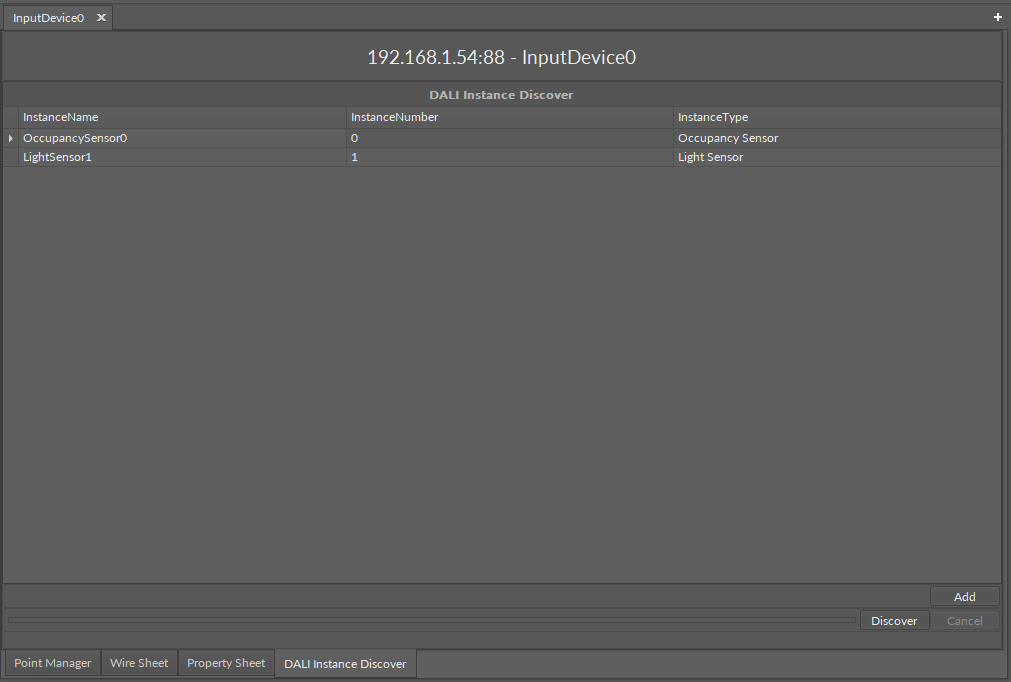
All instances discovered for the input device are listed with the following information in three columns:
-
InstanceName: shows a discovered instance's name;
-
InstanceNumber: shows an instance address of the point in the DALI-2 input device;
-
InstanceType: shows a type of the discovered instance.
Discovered points can be easily added to the InputDevice component. Select the points on the list and click the Add button.
The nano EDGE ENGINE implementation of the DALI-2 protocol supports the following instances of input devices:
-
generic inputs,
-
absolute inputs,
-
push buttons,
-
light sensors,
-
occupancy sensors.