
Remember to include a proper version of the nE2 Link module!
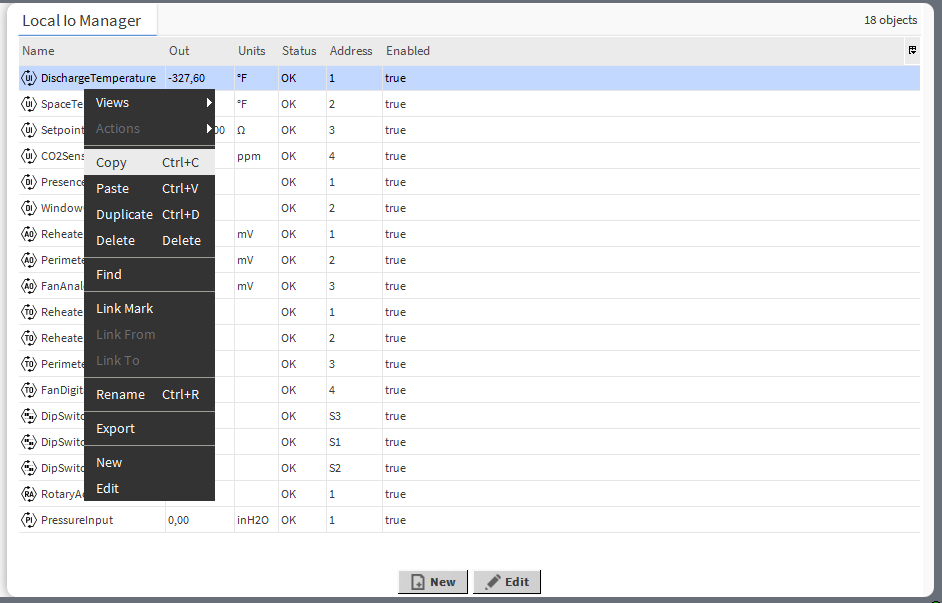
The LocalIO Manager view is available for the LocalIO component. It lists all I/O points added to the LocalIO component, and shows their:
-
name;
-
Out slot value;
-
unit (for analog values);
-
status;
-
address;
-
enabled or disabled state.
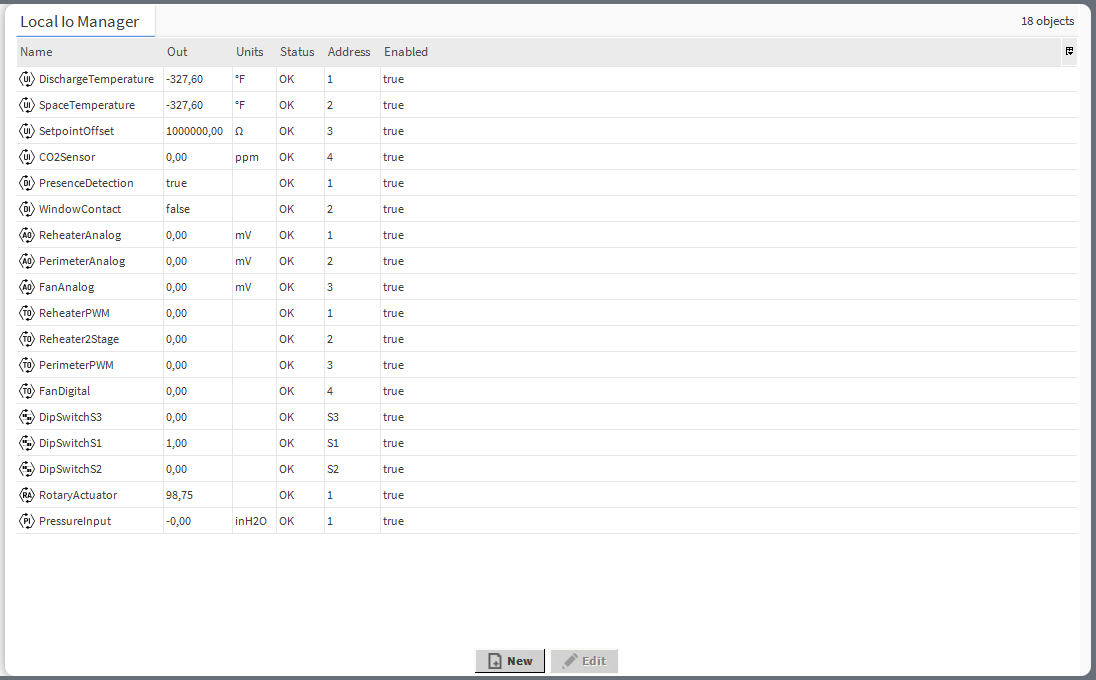
In the LocalIO Manager, it is possible to:
-
add local I/O components:
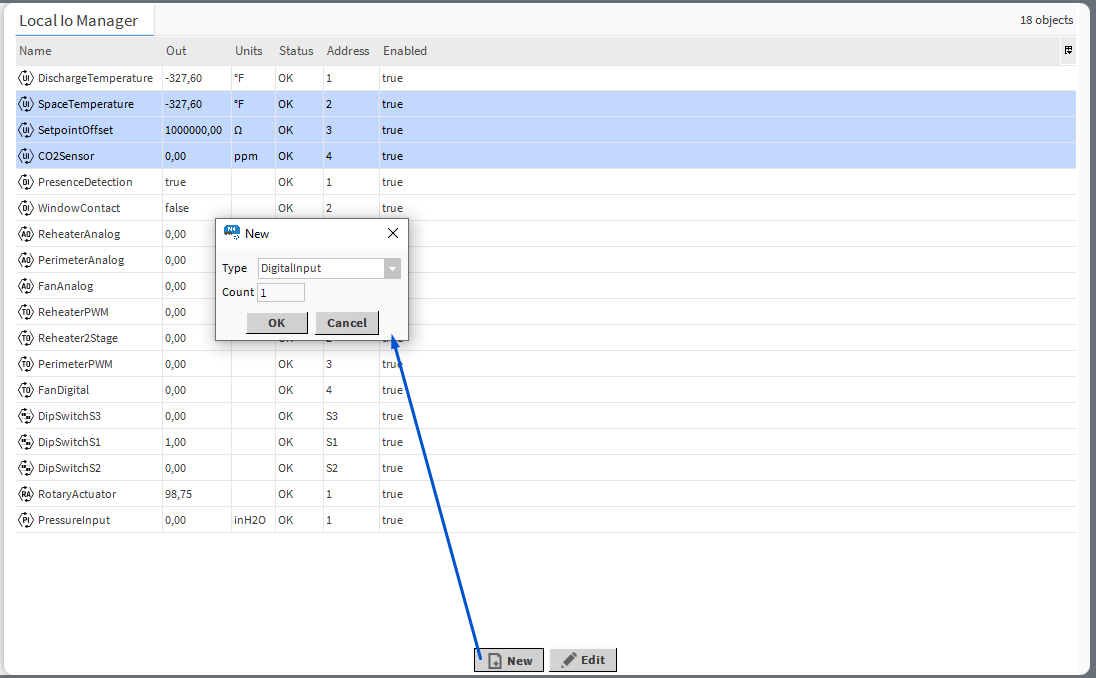
-
edit the I/O’s name, units, address and enable/disable the component:
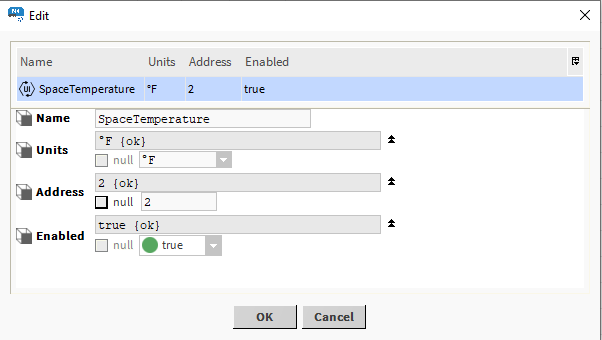
Note
Editing is possible for more than one I/O point at a time. If multiple points are edited, the same new value is written to common slots, so individual slots, such as Name, cannot be edited in this manner.
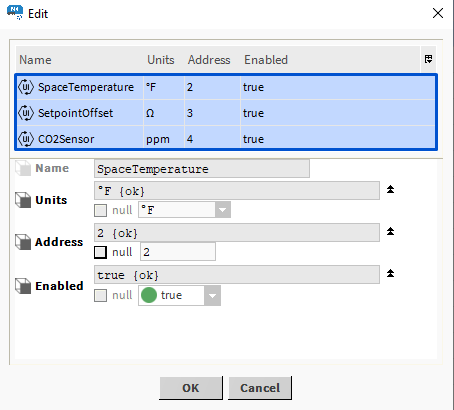
-
copy/duplicate/remove I/O components:
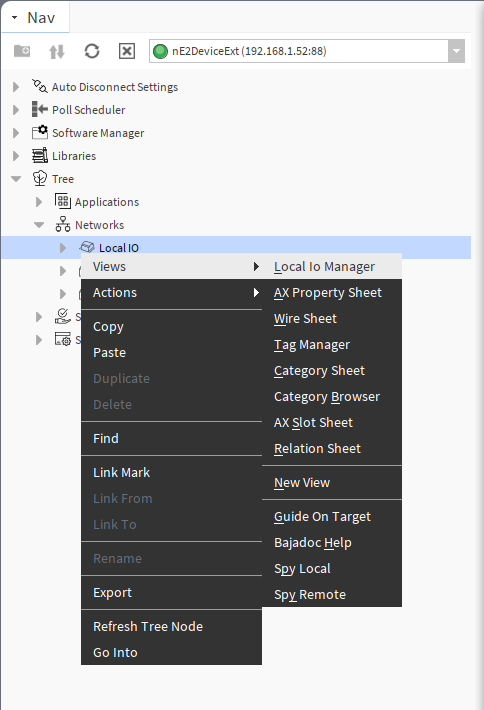
Opening LocalIO Manager
The LocalIO Manager view is accessible from the context menu of the LocalIO component. It is also automatically opened if the LocalIO component is double-clicked in the nav tree window.
PointFolder
The PointFolder component is a point grouping component, which can be added under the LocalIO device. It allows to organize points of the device on the nav tree and maintains the grouping in the Point Manager view. It is clickable in the Point Manager allowing to display only points grouped in one PointFolder component.
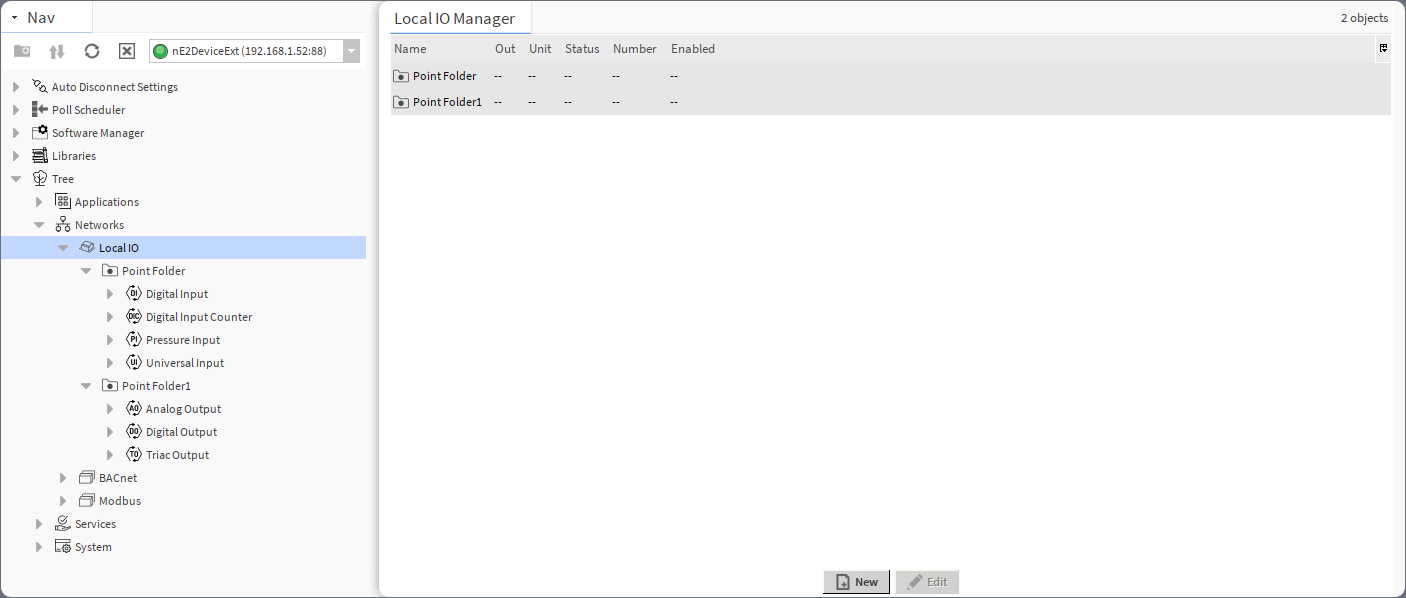
The PointFolder component has no slots nor actions. The PointFolder is available in the Core library.