
The Device Discover Manager view is available for the BACnet Network component. It lists all BACnet devices added to the network. The Device Discover Manager view shows the names, statuses, device names and ID, and enabled or disabled states of the device. The special Exts columns provides quick access to the Point Manager (with all points of the relevant device).
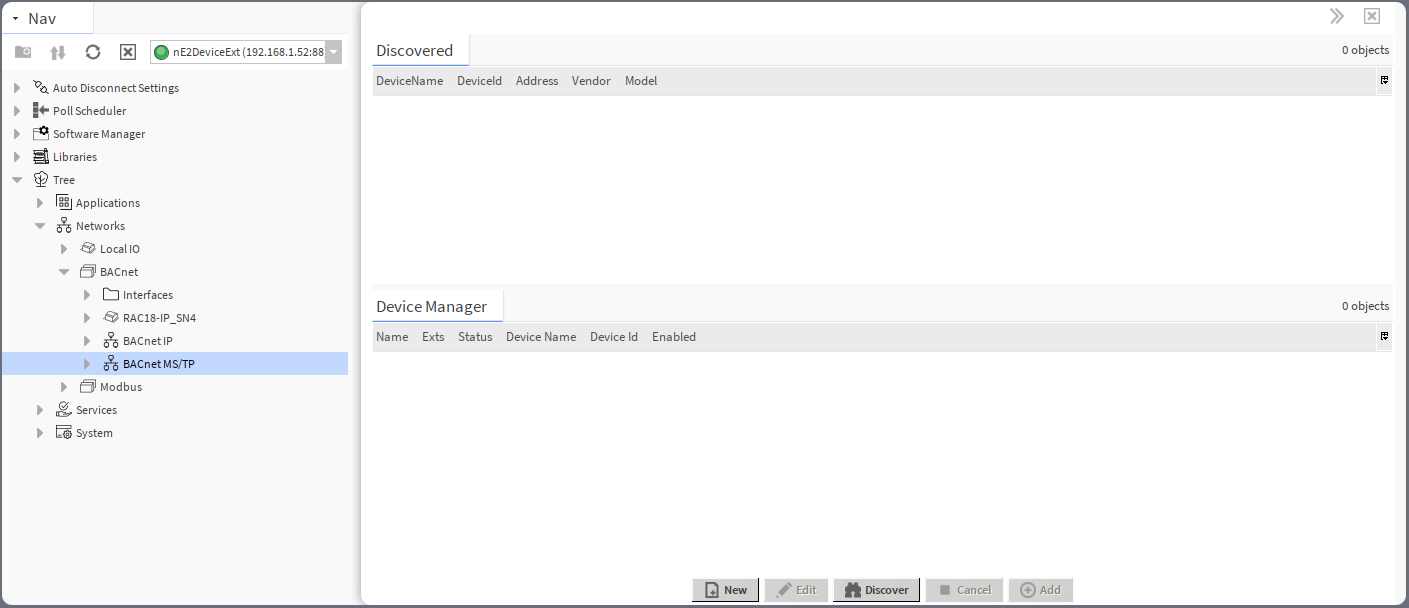
In the BACnet Device Manager, it is possible to:
-
discover BACnet device(s) available on the network:
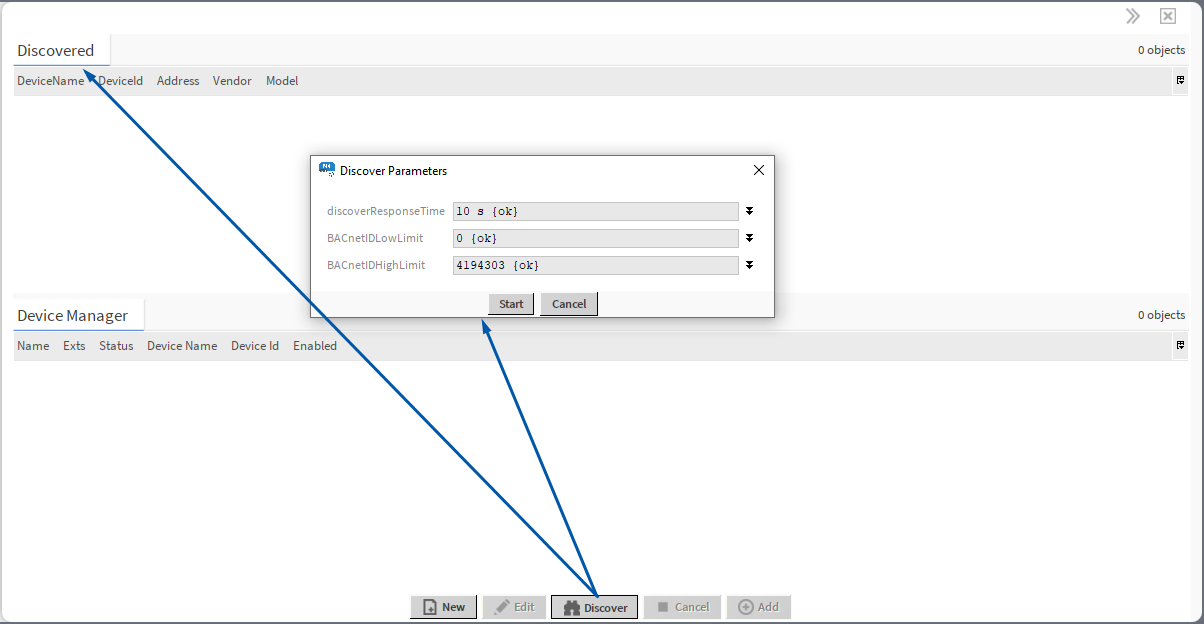
To discover devices available on the BACnet network, use the Discover button. In the pop-up, set the discover parameters:
-
discover response time,
-
BACnet ID low limit,
-
BACnet ID high limit.
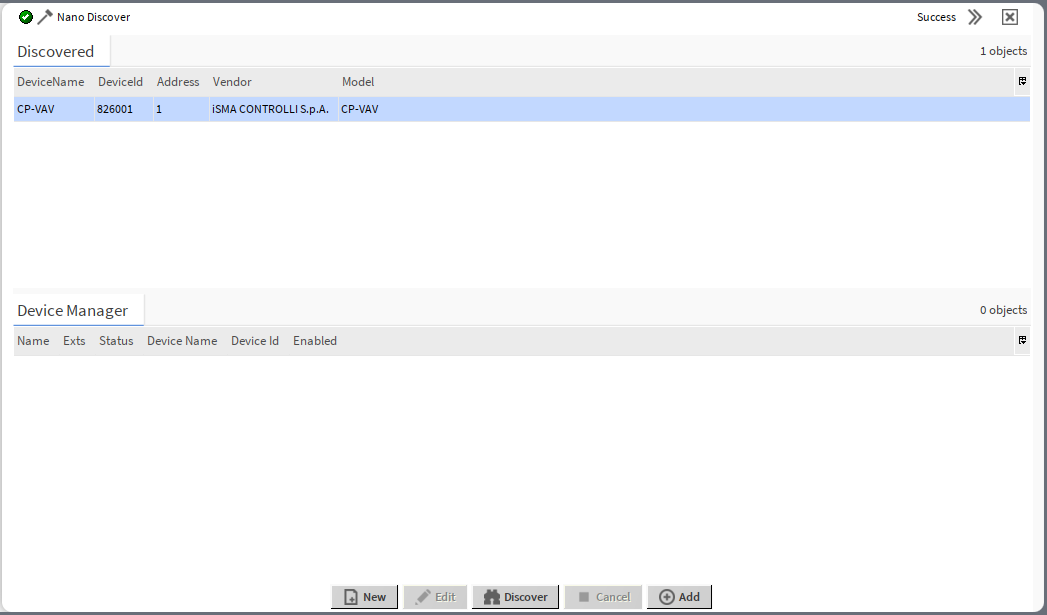
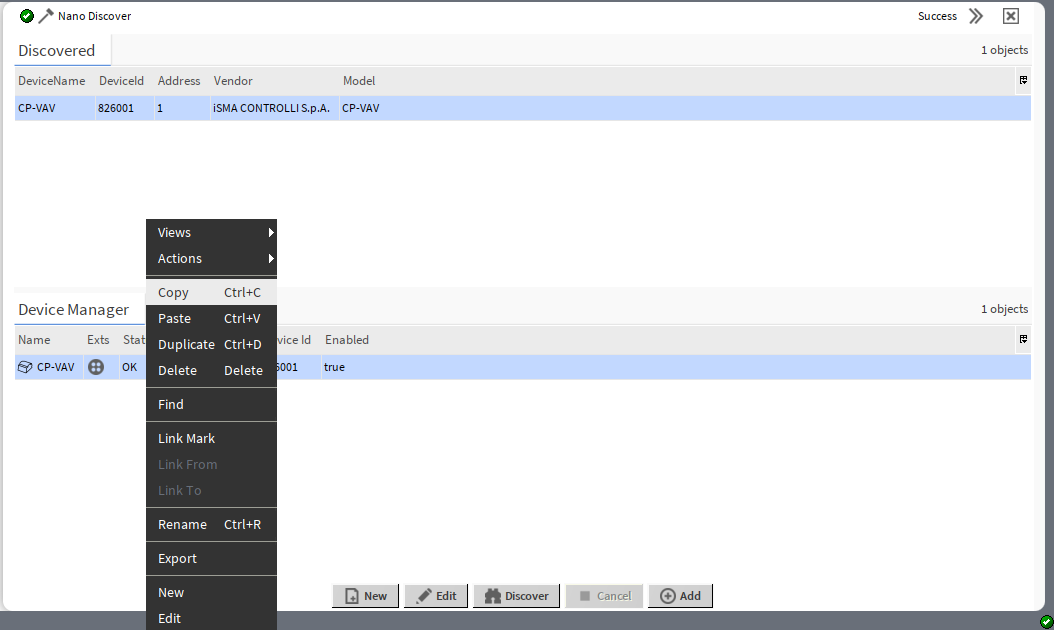
Once the device is discovered on the network, it appears in the Discovered window. To manage the device, add it to the Device Manager section (drag and drop or use the Add button - if the list includes a lot of devices to add, first, use the Select All option from the context menu).
-
manually add the BACnet Device component:
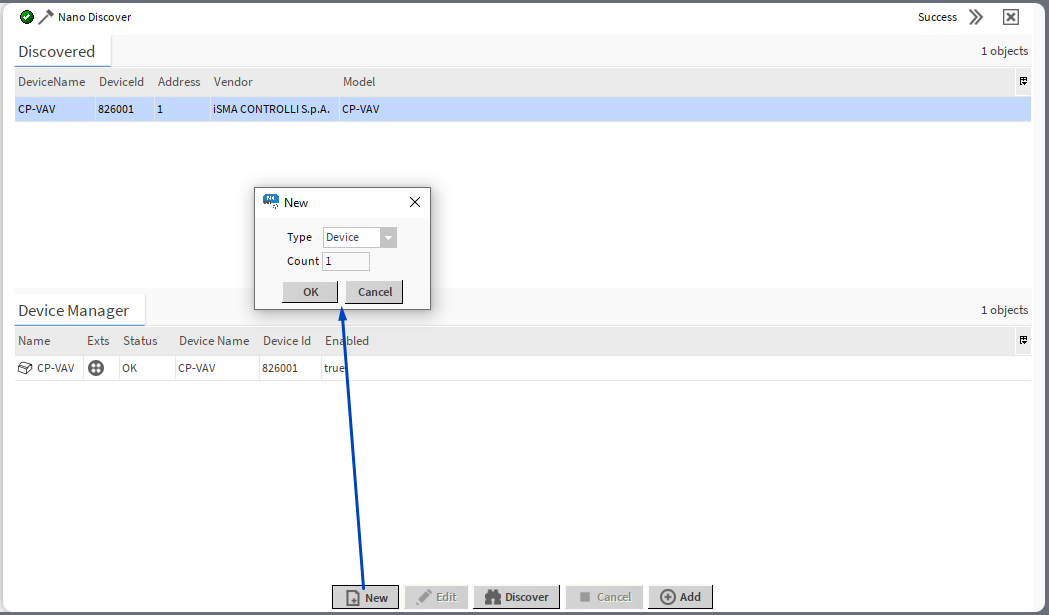
-
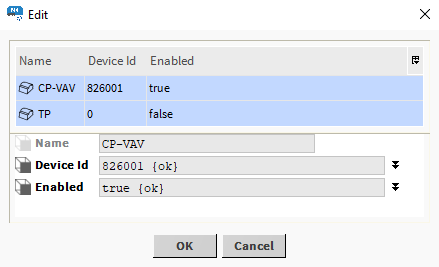
edit the BACnet device’s name, device ID and enable/disable the component:
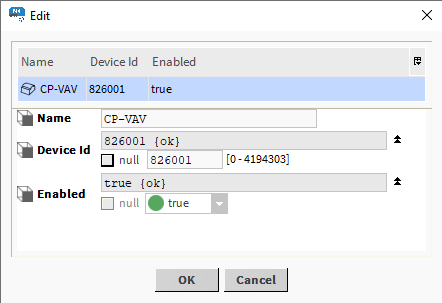
Note
Editing is possible for more than one device at a time. If multiple devices are edited, the same new value is written to common slots, so individual slots, such as Name, cannot be edited in this manner.
-
copy/paste/duplicate/delete BACnet device components:
Opening BACnet Device Manager
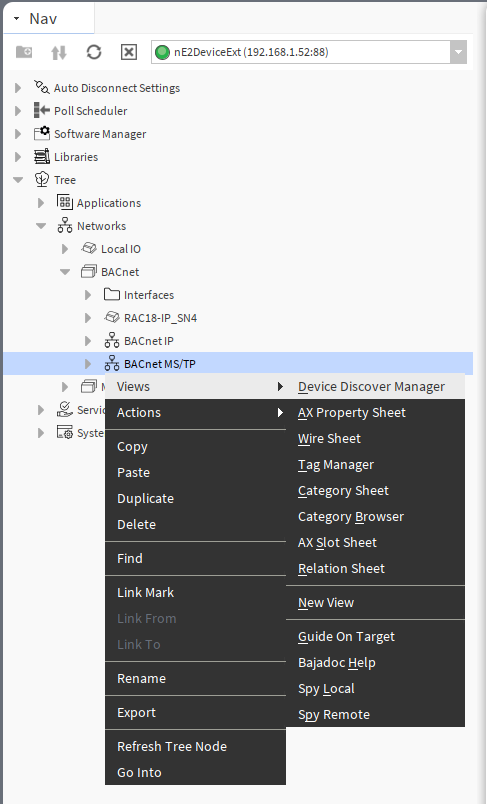
The BACnet Device Manager view is accessible from the context menu of the BACnet Network component. It is also automatically opened if the BACnet Network component is double-clicked in the nav tree window.
DeviceFolder
The DeviceFolder component is a device grouping component, which can be added under the BACnet network. It allows to organize devices in the network on the nav tree and maintains the grouping in the Device Manager view. It is clickable in the Device Manager allowing to display only devices grouped in one DeviceFolder component.
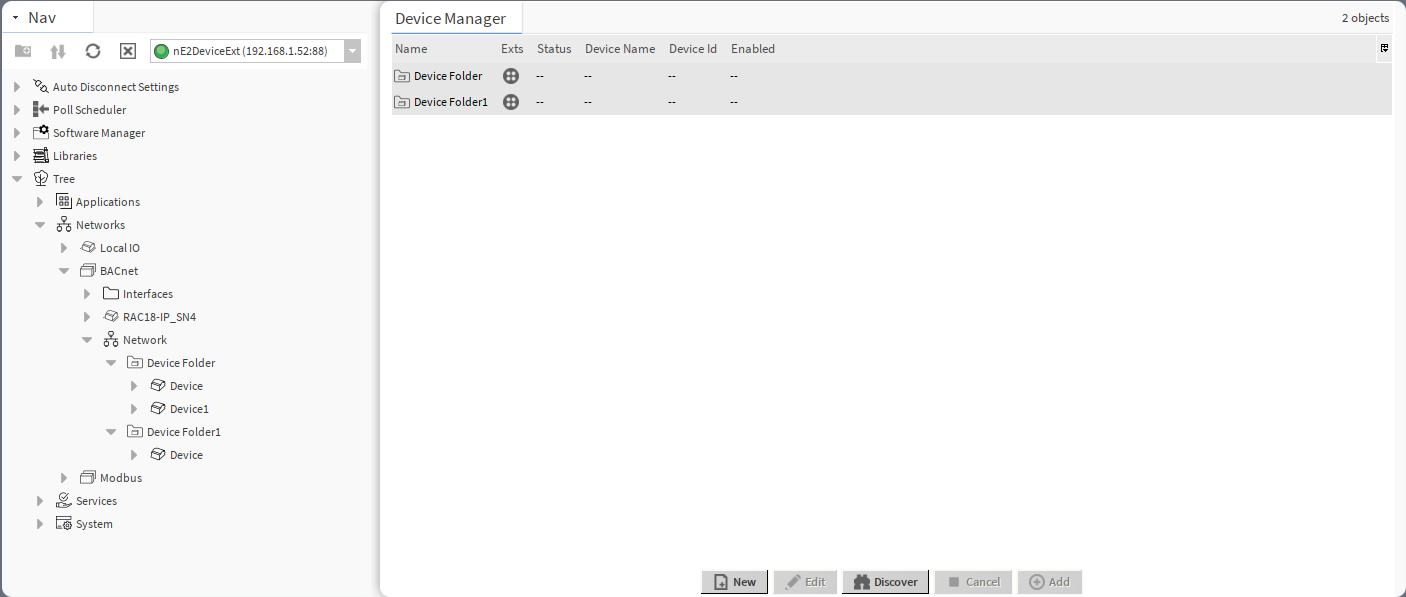
The DeviceFolder component has no slots nor actions. It is available in the Core library.