
The Users component lists the users available in the device. In the first iteration, the list contains an admin user with full permissions, and there is no option to add other users. The Users component allows to change the user's password.
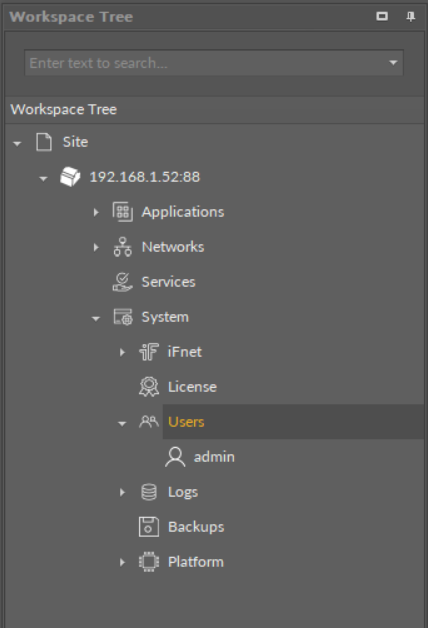
The Users component
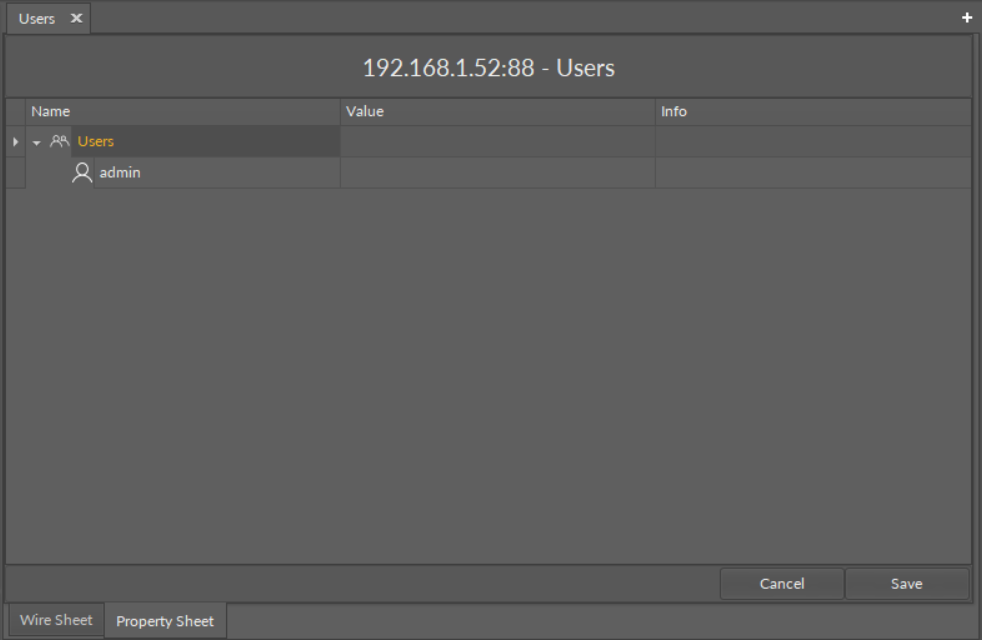
The Users Manager view
The user admin has one action available:
-
Change Password: allows to change the user's password.
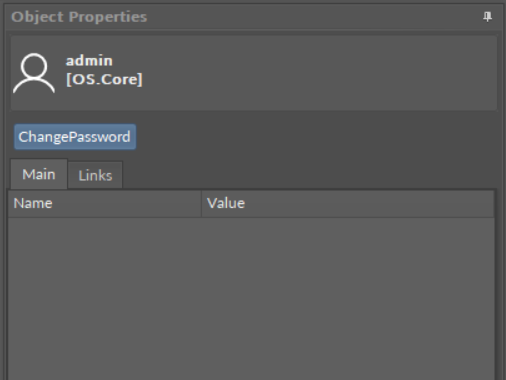
The Change Password action
WARNING!
Please remember that the new password set by the user has to be at least 8 characters long, have at least one digit and at least one capital letter.