
This procedure describes how to stop the simulation and save the modified app.
Steps
-
In the Objects Properties, click the Application Manager to launch the tool.
-
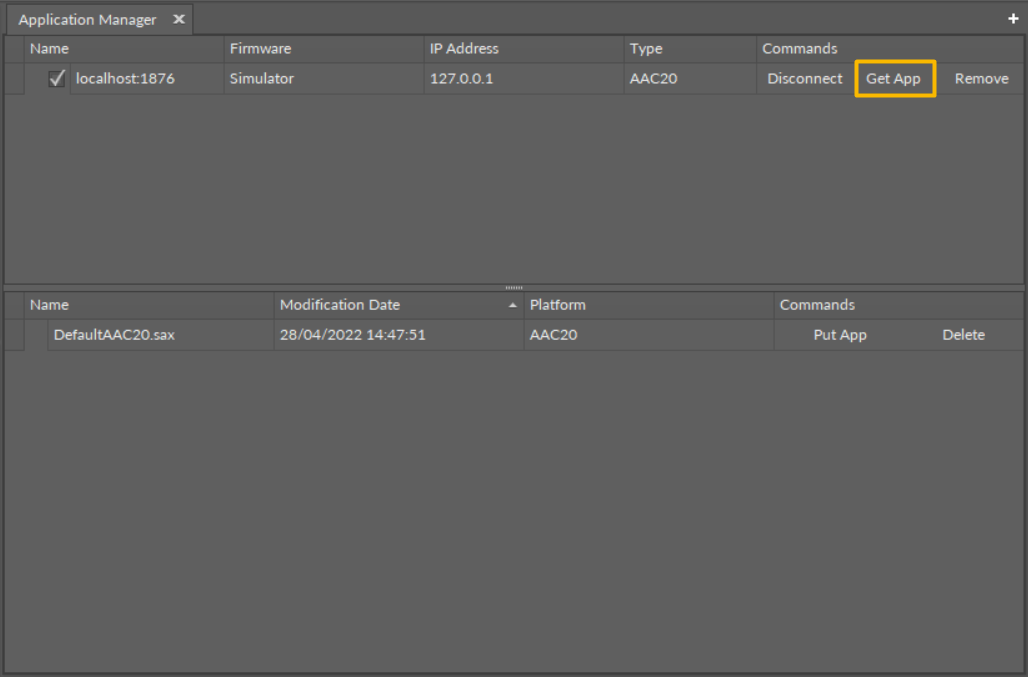
In the Application Manager view, click the Get App option to save the application, and click Update.
-
The modified app has been saved successfully to a selected location.