
This procedure provides an example of making changes in the app running on a simulated device using the Kit Manager tool under the device to add a kit to the app.
Requirements
-
The app must be successfully running in the device simulator.
-
There is a running Sox connection to the app currently executed on the simulated device.
Steps
-
In the Objects properties, click the Kit Manager to launch the tool.
-
In the Kit Manager view, click the checkbox to select the kit, and click Update.
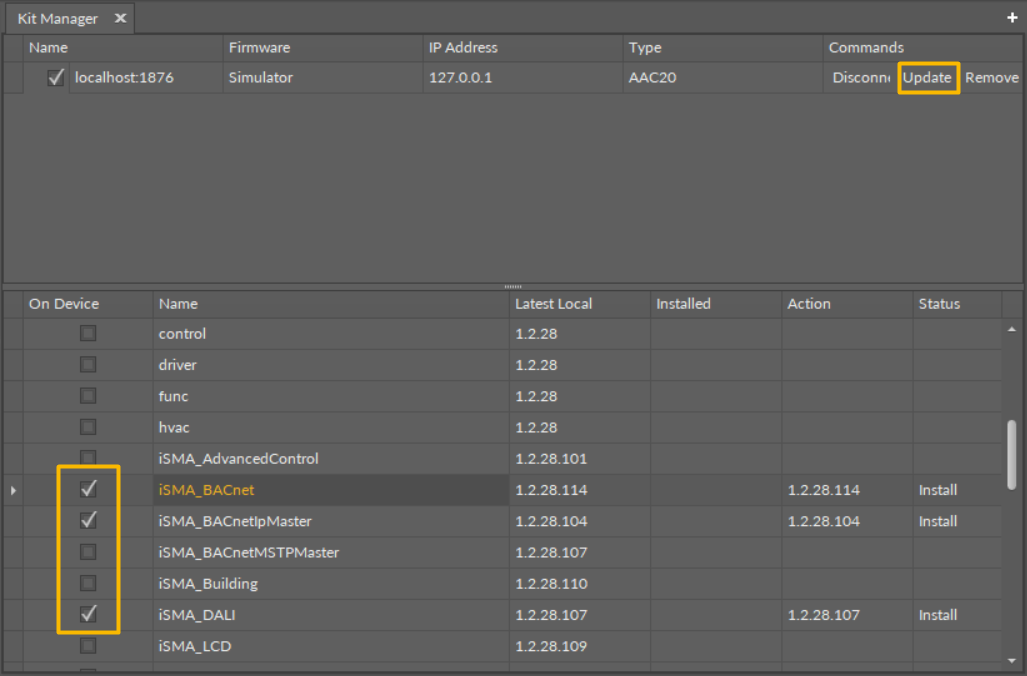
-
When kit changes have been successfully completed, the simulator automatically restarts and connects.