
The Command Manager lists all command-type components added in the Commands folder.
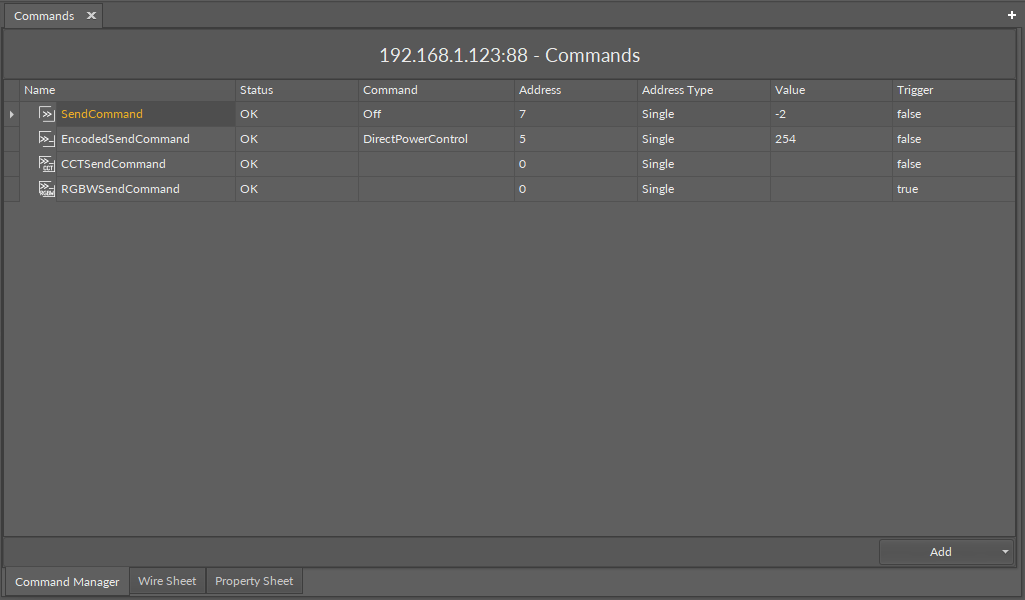
The Dali Command Manager view lists all command-type components from the Commands folder with the following data:
-
Name: shows the name of the command-type component,
-
Status: shows the status of the component,
-
Command: shows which DALI command will be executed by the trigger action,
Note: If the component is designed to execute only one type of the command, this column will be empty and not editable.
-
Address: shows a short address of the target device to send out the command to,
-
Address Type: shows the target device(s) to send out the command (single, group, all),
-
Value: shows the value of the command to send out,
-
Trigger: shows the status of the triggering action set in the component.
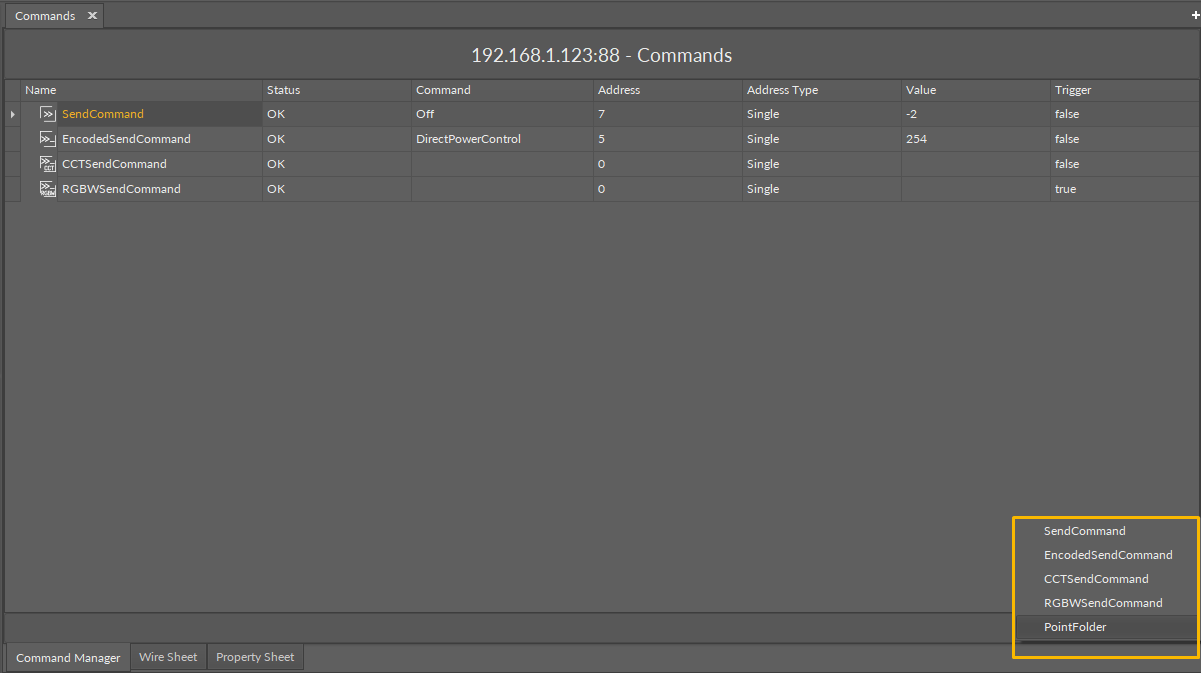
In the Command Manager, it is also possible to add a new command-type component or a point folder. To this end, use the Add button.
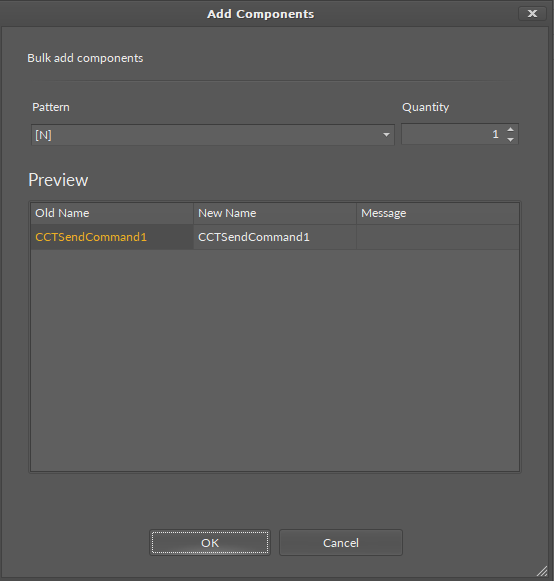
Select the type of the component and a number of components to add. Confirm with OK. The component(s) will be automatically visible in the Dali Command Manager and in the nav tree.