
The Applications Manager is a special view that allows to manage the Application components added to the Applications container.
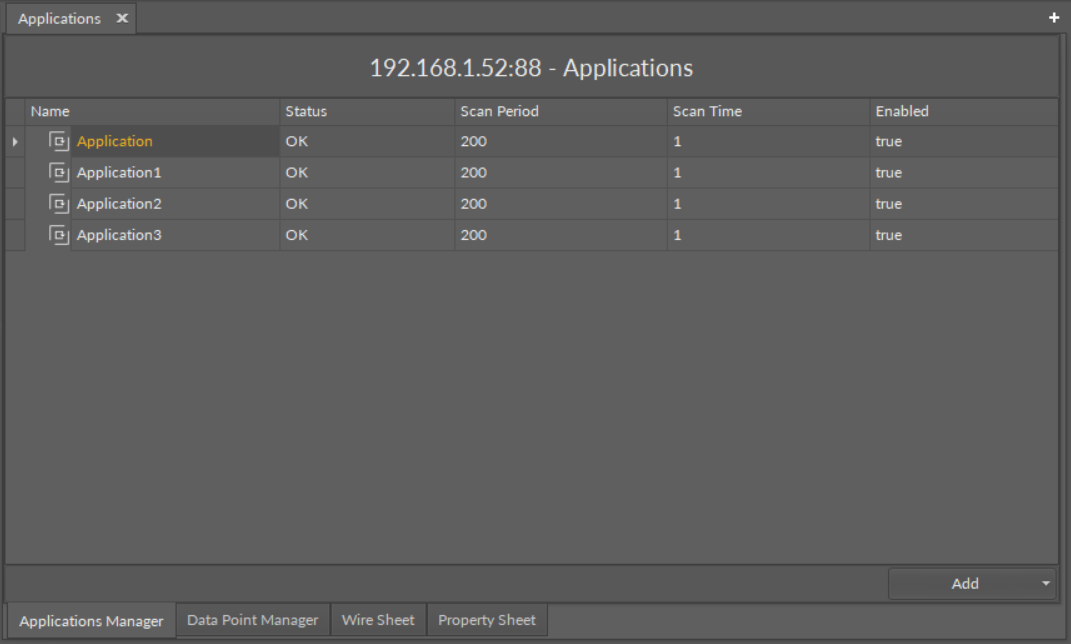
The Applications Manager
The Applications Manager lists all the Application components used on the device. The view shows the following fields:
-
Name of the application;
-
Status;
-
Scan period;
-
Scan time;
-
Enabled or disabled status.
In the Applications Manager, it is possible to add, remove, copy, or duplicate Application components.
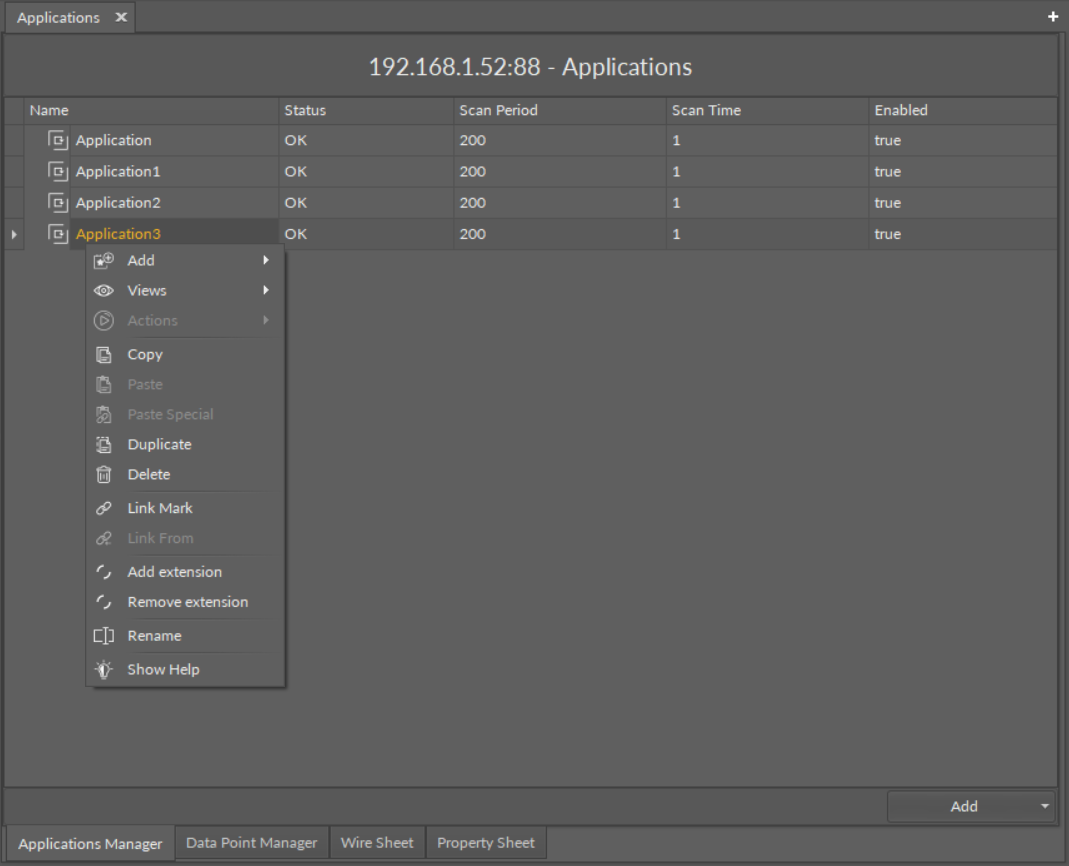
Options in the Applications Manager
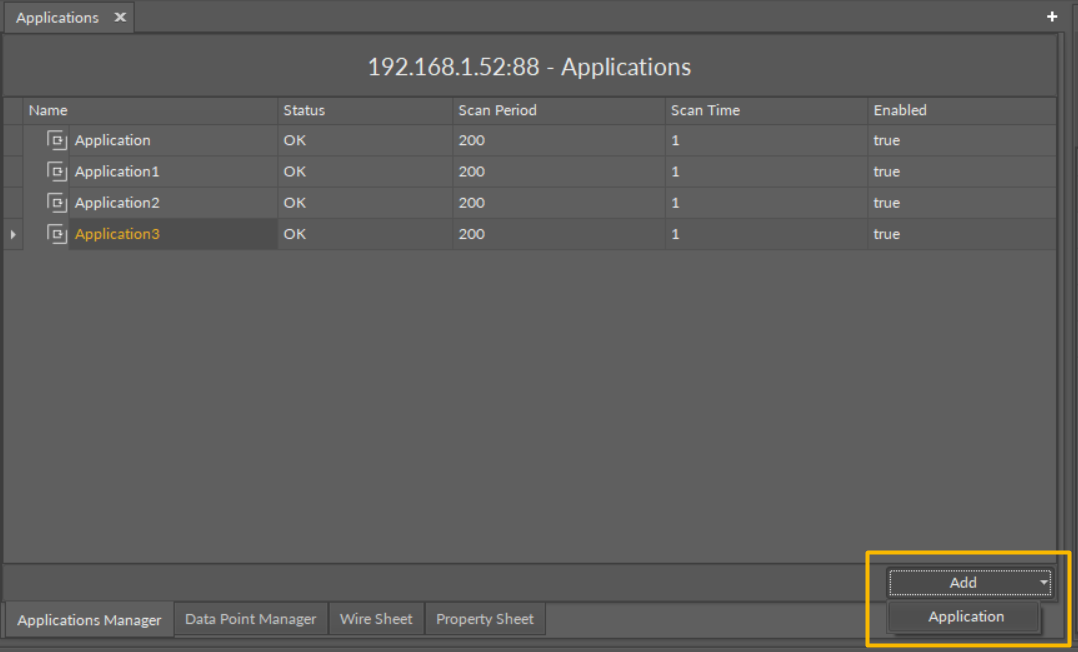
Options in the Applications Manager
Opening the Applications Manager
The Applications Manager view is accessible in the context menu of the Applications container.
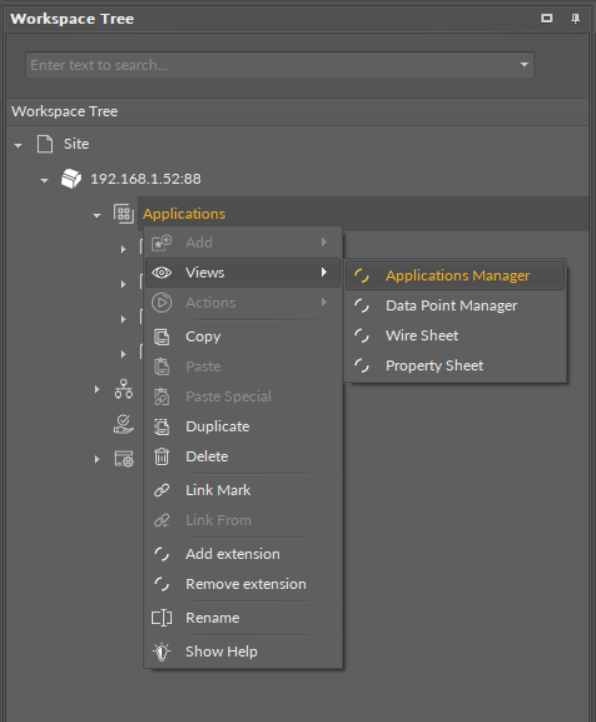
Accessing the Applications Manager from the Applications container context menu
The Applications Manager view is also automatically opened if the Applications container is double-clicked in the Workspace Tree window.