
Other settings:
-
Navigation Hiding: if marked, allows navigation to automatically hide after a time set in “Navigation Hiding Delay”;
-
Navigation Hiding Delay;
-
Fullscreen: opens the application in a fullscreen mode;
-
Kiosk Mode: blocks the possibility to use other applications than the iSMA Android Application; Kiosk Mode blocks the possibility to restart and turn off the Panel PC with Android;
-
Kiosk unlock Password: allows changing the password for turning off the Kiosk mode; the default password is “password”;
-
Allow connections management in the kiosk: if marked, allows the user to add, remove, and edit connections while the Kiosk Mode is on;
-
Automatic Pin lock: allows to add a PIN protection to the credentials (it can have up to 7 digits); in the Settings it has to be turned on.
Note: The automatic Pin lock works only when the Kiosk Mode is on.
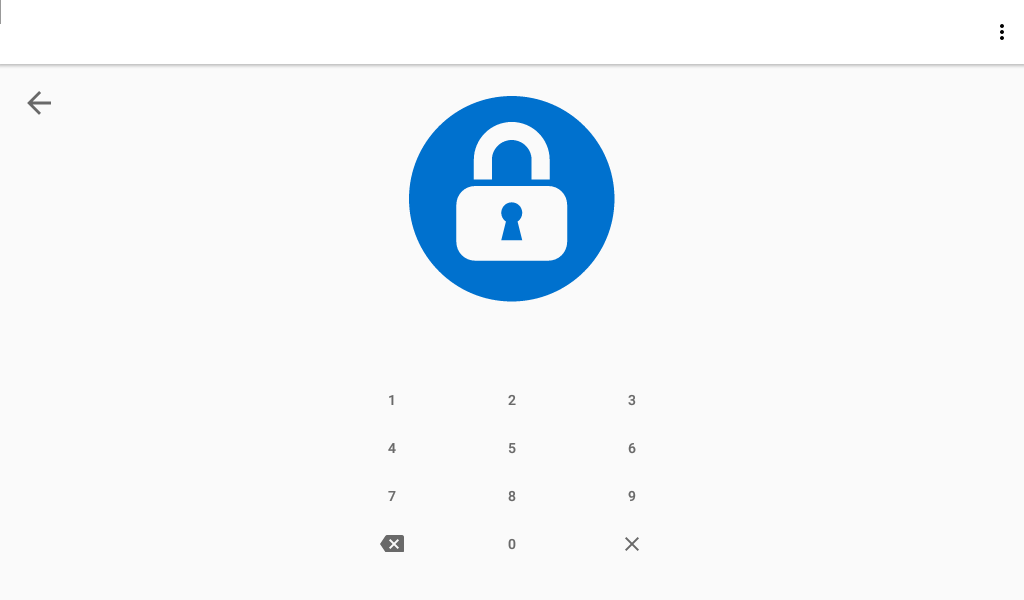
PIN lock popout
-
Pin lock timeout: a station will get locked after a time set; to unlock the station it is necessary to enter the PIN;
Settings
-
Export settings: settings can be exported to a file;
-
Import settings: settings can be imported from a file;
-
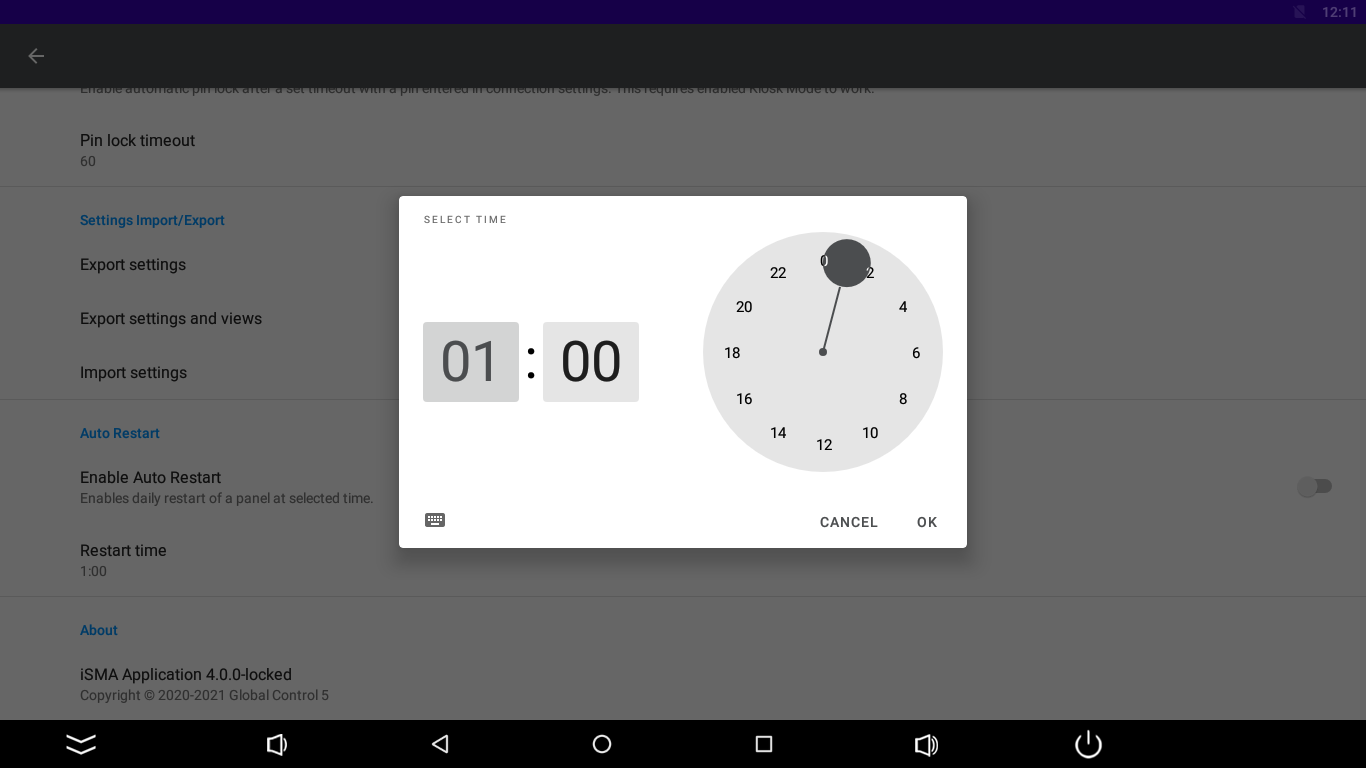
Enable autorestart: when the Kiosk Mode is turned on, there is a possibility to turn on a daily restart of the Android panel;
-
Restart time: the time of restart can be set here.
Setting a restart time pop up