
The Backups component allows to perform and restore backups.
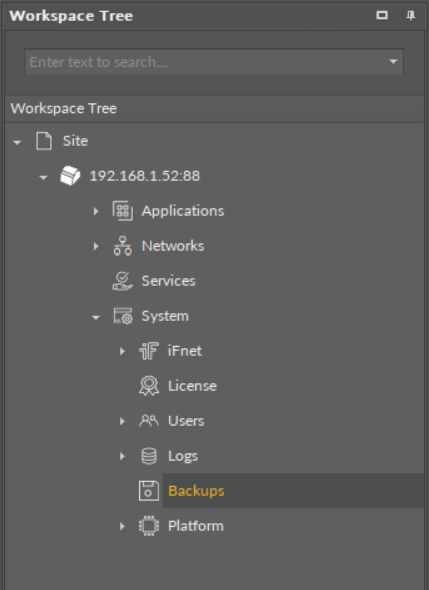
The Backups component
The Backups component has no configurable slots. It is operated in the Backup Manager view:
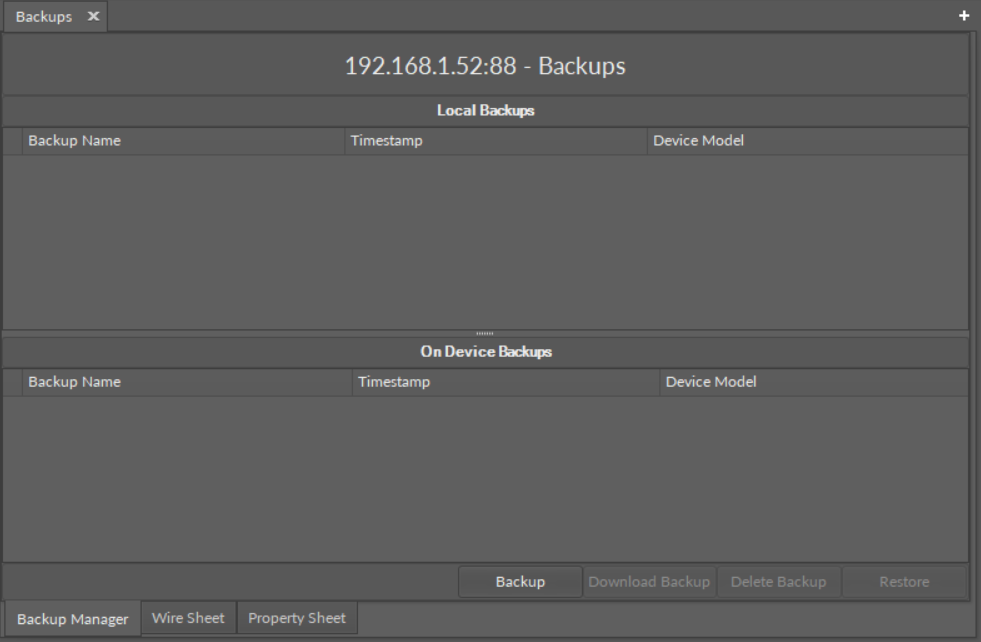
The Backup Manager view
The following options are available in the Backup Manager:
-
Backup: creates a backup and saves it on the device; each next backup overwrites the last backup unless saved locally with the Download Backup option;
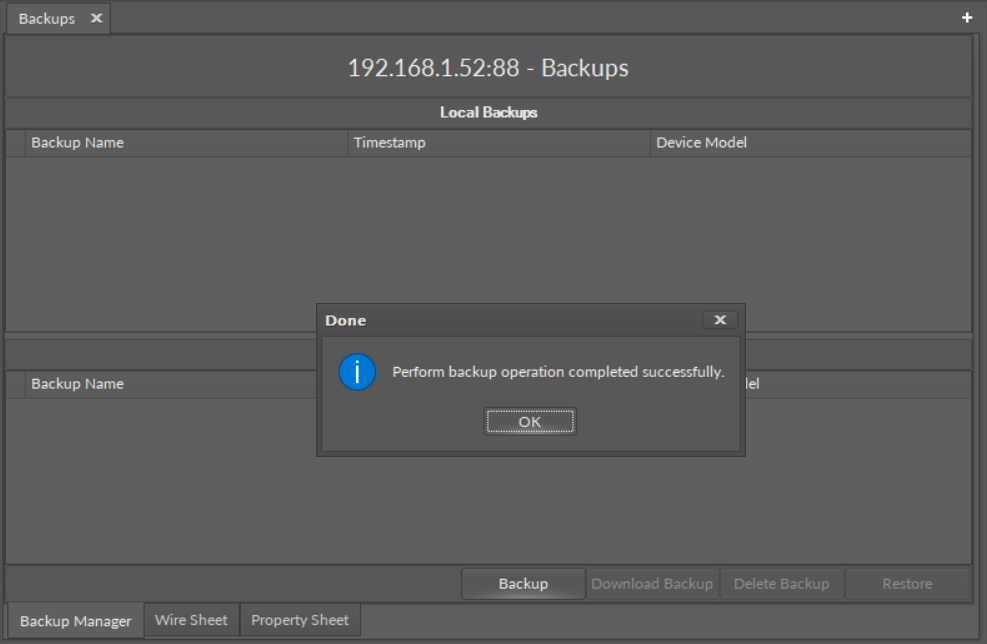
Backup saved on the device
-
Download Backup: downloads a backup to the PC and saves it under a selected name in the iSMA Tool’s default backup folder (home\backup\nano EDGE ENGINE); after downloading, the backup is displayed in the Local Backups section;
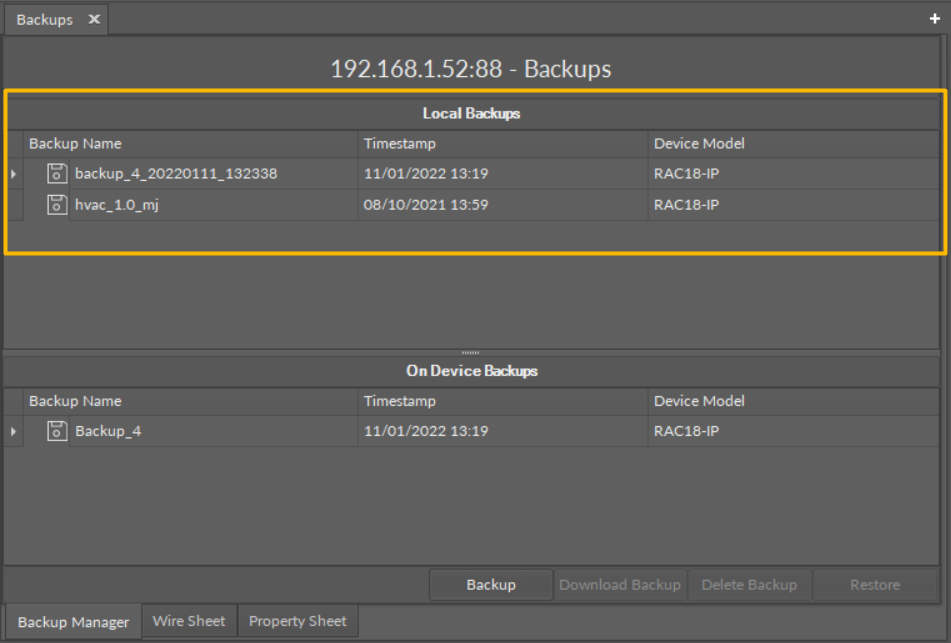
Backups downloaded locally
While downloading a backup, it is possible to set its individual name:
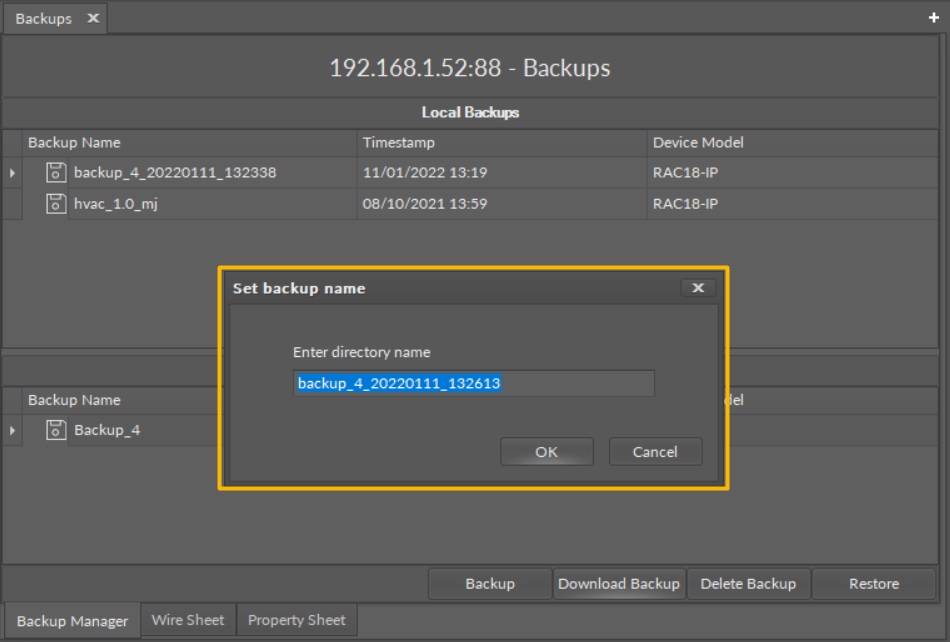
Setting backup’s individual name
-
Delete Backup: removes a backup from a selected location (PC or device);
-
Restore: restores a backup to the device from a selected location (PC or most current backup saved on the device).
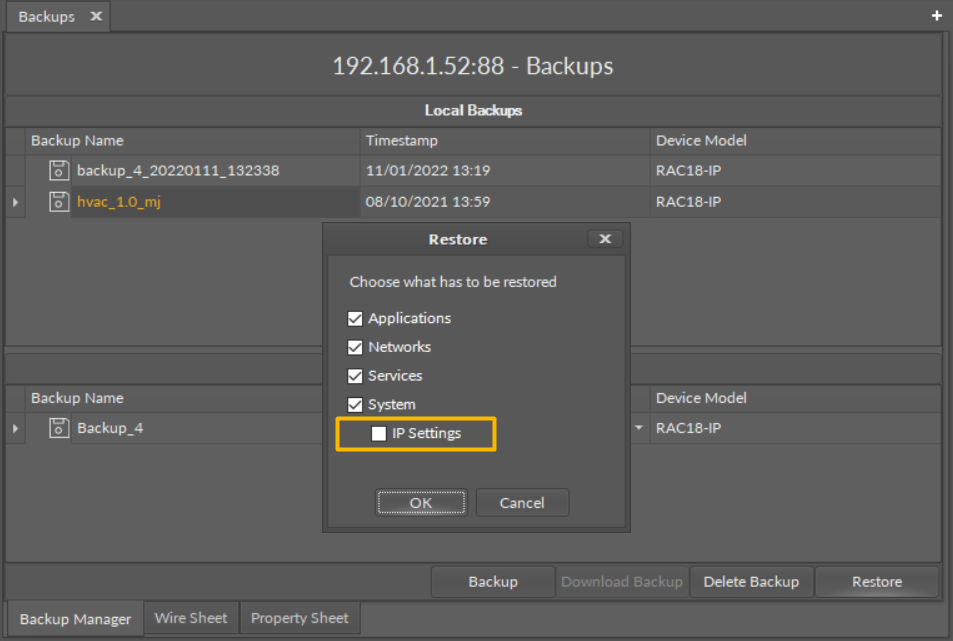
Restoring a backup
While restoring a backup, it is possible to selected whether the IP address is restored from the backup too, or lest as set on the device. By default, the option to restore IP address from a backup is unchecked.
Note: The only thing subject to selection in backup restoring is the IP address. The other items, including users and passwords are restored from the backup.
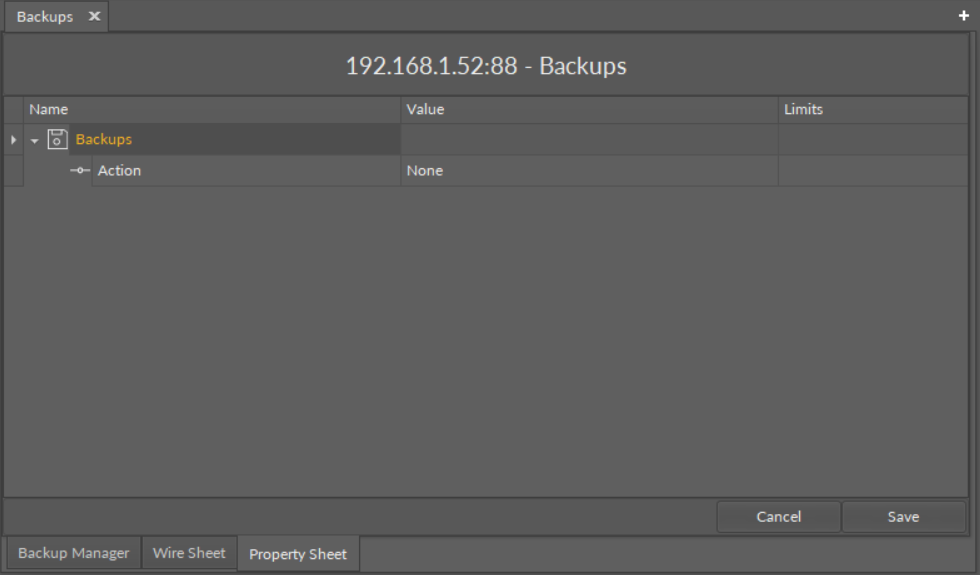
The Backups component's read-only Action slot
The Backups component has one read-only slot:
-
Action: informs, which action is currently ongoing.