
In certain cases, for example, Configuration Data service in nano EDGE ENGINE devices or historical data in Sedona devices, there is an option to export data to external formats (i.e., .pdf or .xlsx).
Exporting is executed in the Preview program. It is launched with the Export or Export/Print options in the applicable instances. Exporting or printing data requires defining few of the parameters described below.
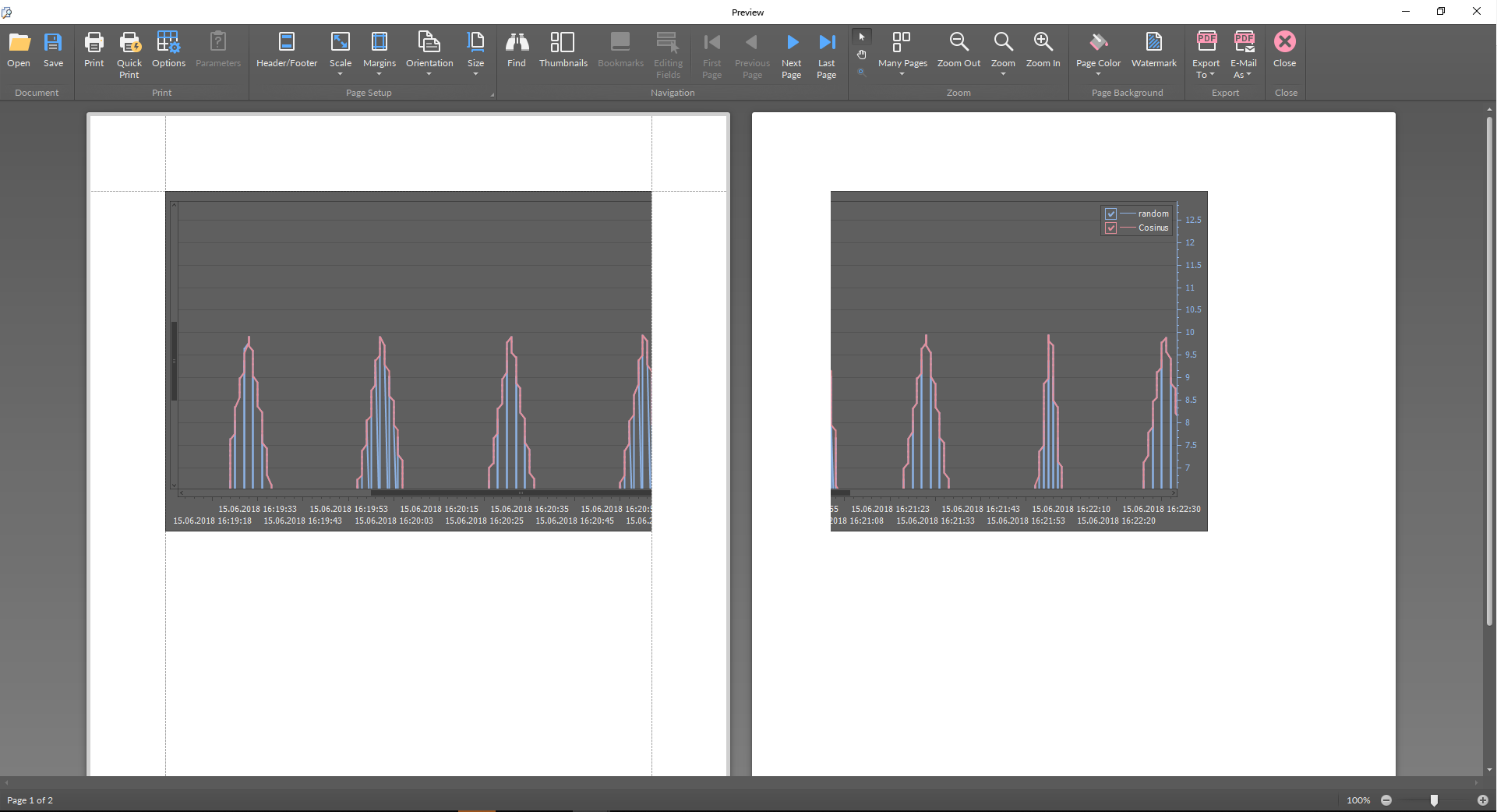
The program toolbar offers functions to adjust the graph to be exported or printed. The basic editing options are the following:
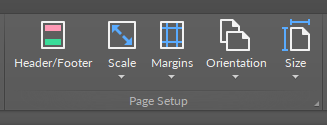
Page setup:
-
Header/Footer: allows to define a header or footer for the document;
-
Scale: allows to scale the contents to a page size;
-
Margins: allows to set margins of an exported/printed page;
-
Orientation: changes page orientation to horizontal or vertical;
-
Size: allows to set the size of an exported/printed page.
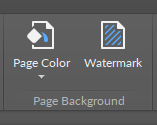
Page background:
-
Page Color: allows to set a background color of an exported/printed page;
-
Watermark: allows to add a watermark across an exported/printed page.
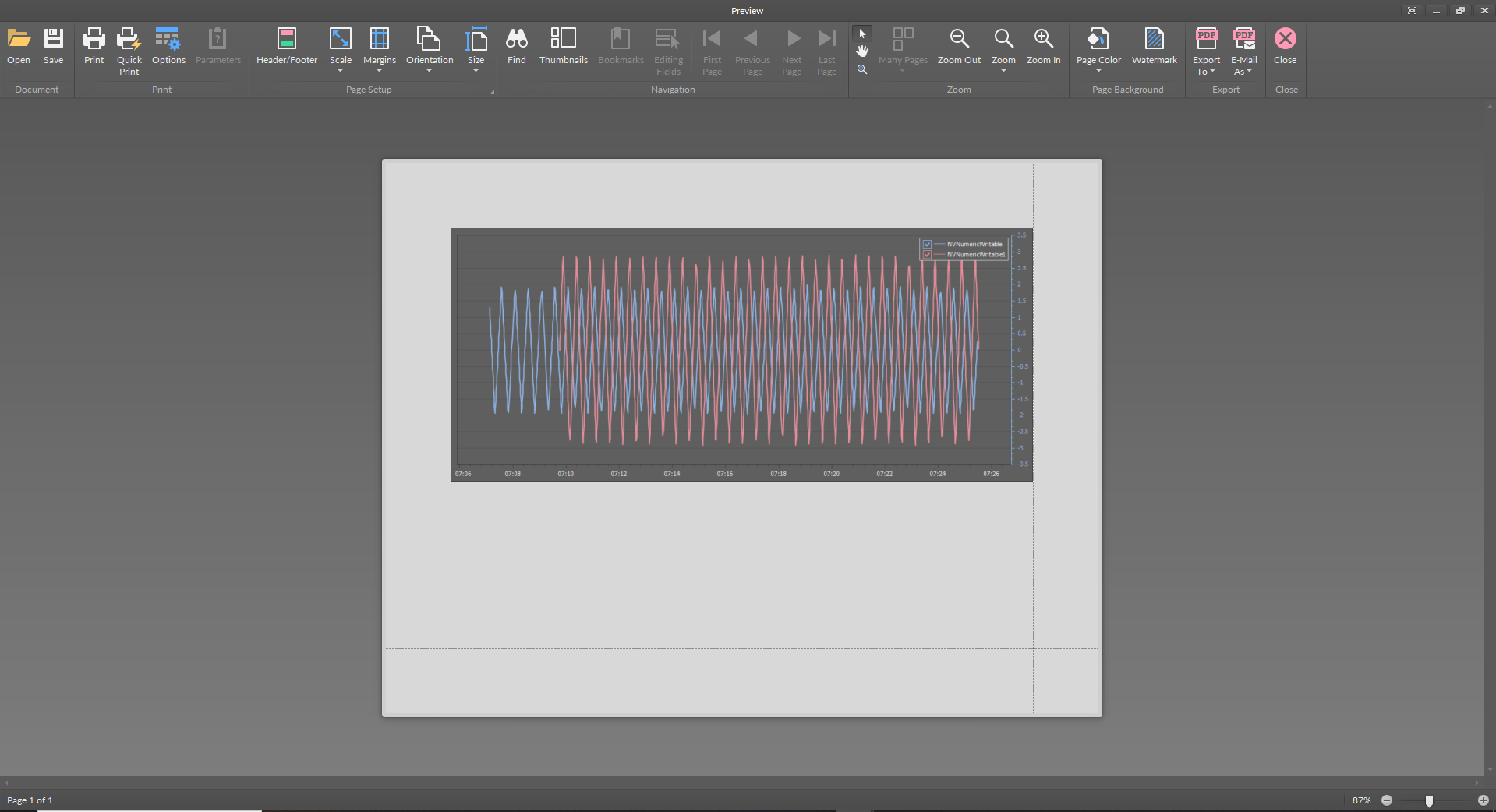
Once the document is edited and adjusted to be printed or exported, the toolbar includes further actions buttons:
-
Open: allows to open a previously saved file to be exported or printed;
-
Save: allows to save a file for further action in available formats: .pdf, .html, .docx, .xlsx, .bmp, .gif, .jpeg, .png, .tiff, .emf, and .wmf;
-
Print: launches printing and allows to choose the printer and its parameters;
-
Quick Print: launches printing with default printing settings;
-
Options: allows to set printing options regarding resizing a chart when printing;
-
Available options: none, stretch, zoom;
-
-
Export To: launches exporting the file to available formats: .pdf, .html, .docx, .xlsx, .bmp, .gif, .jpeg, .png, .tiff, .emf, and .wmf;
-
Email As: exports the file and attaches it to an e-mail message.