
The API setting allow to switch on and off available Rest API interface.
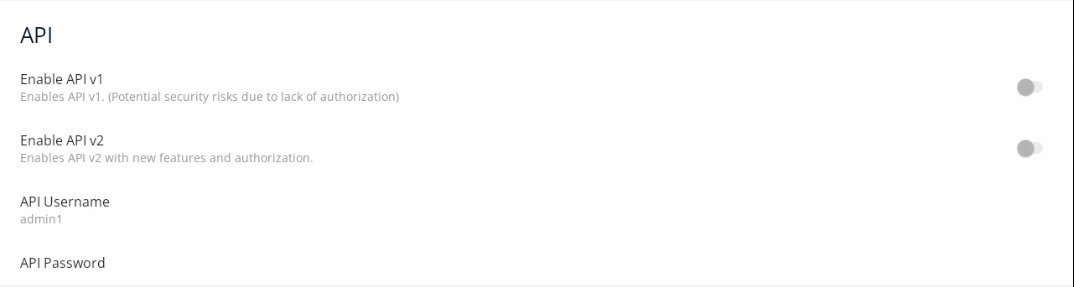
API settings
-
Enable API v1: enables the Rest API V1.0.0. interface;
-
Enable API v2: enables the Rest API V2.0.0. interface;
-
API username: allows to set the username for the Rest API interface;
-
API password: allows to set the password for the Rest API interface;
Click on the below link to see the API settings video:
Rest API
The iC SmartView is equipped with the Rest API interface, which provides a remote access to some of application's functions like a screensaver mode, LED bar color configuration, modifying saved connections, or managing screen brightness and inactivity timeout. Rest API, when enabled, is available on the port 5580.
A complete functional documentation of the iC SmartView's Rest API is available in the iC-SmartView_Rest-API.html document. It provides commands in the following programming languages:
-
Curl;
-
Java;
-
Java for Android;
-
Obj-C;
-
JavaScript;
-
C#;
-
PHP;
-
Perl;
-
Python.
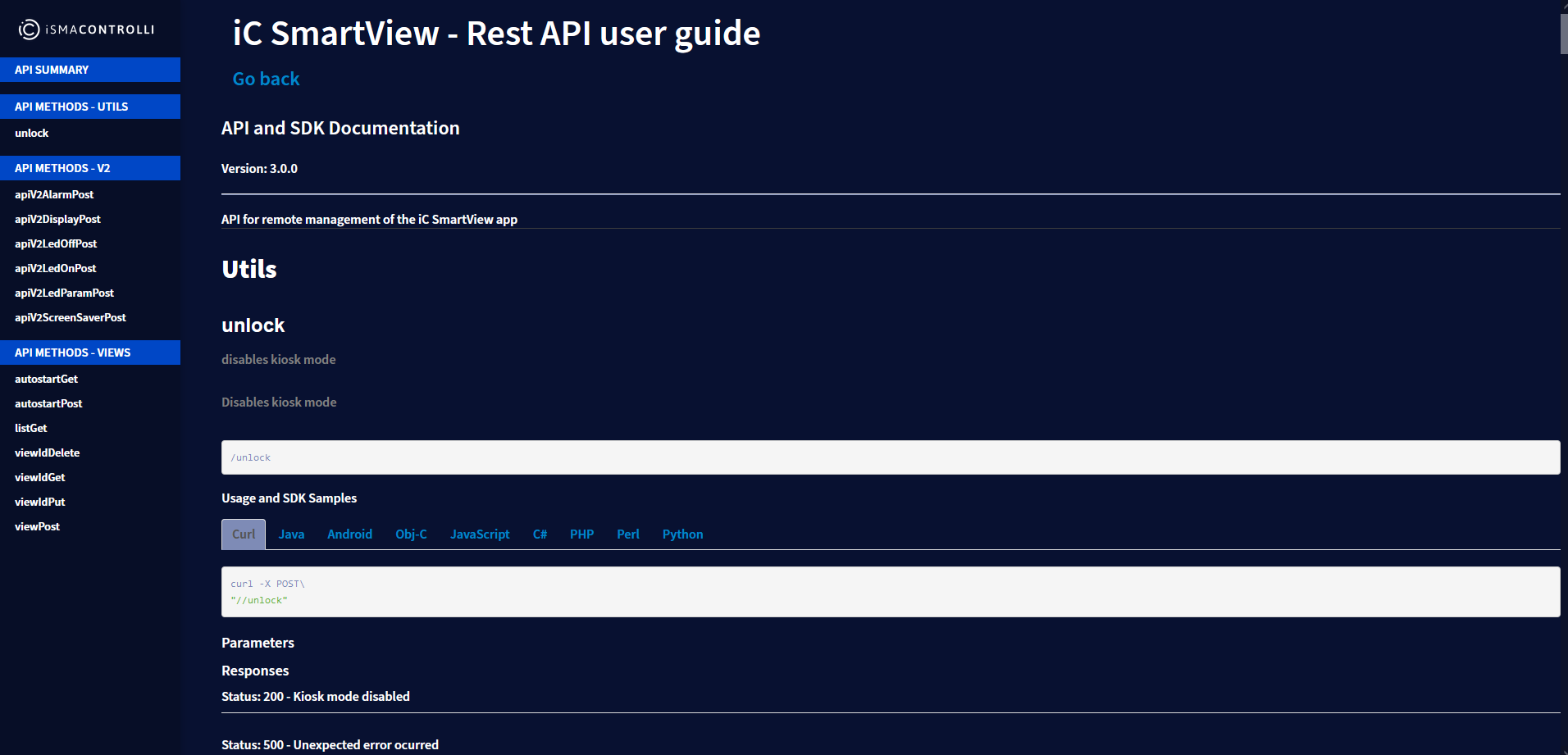
Technical documentation for the iC SmartView Rest API
The Rest API for the iC SmartView is available in two versions.
Rest API V1.0.0
The API V1.0.0 has the following functionalities:
-
managing the Kiosk mode;
-
managing an autostart connection view;
-
adding, editing, and removing connection views.
Note: Rest API does not require an additional authentication. Make sure to use the Rest API V.1.0.0 only on a secured network.
Rest API V2.0.0
The API V2.0.0 has the following functionalities:
-
enables an HTTP basic authentication;
-
managing screen brightness and timeout;
-
playing tunes on a device's speaker;
-
protection with a configurable username and password;
-
LED management.
Note: Taking into consideration required functionalities, enable the relevant Rest API version in the application's menu.