iC SmartView User Manual
Introduction
The iC SmartView is an app designed for the iSMA CONTROLLI Android panels, offering comprehensive controllers management and seamless access throughout the building. The iC SmartView simplifies the process of managing credentials with a primary focus on facilitating easy logins and access to Niagara stations and other HTML5 web servers, thereby enhancing building maintenance and management. Once entered, the credentials for the Niagara station or controller's web server need only be input once, as the app ensures that users are automatically logged back in with each log-out or restart of the Android panel. When operating in the Kiosk mode, the application becomes dedicated to this specific purpose, preventing the use of any other applications on the panel. To exit the Kiosk mode, a password is required, ensuring controlled access to the device. The application offers remote management of its functions using rest API, which allows remote control of the panel.
This user manual provides an in-depth exploration of iC SmartView's features.
Revision History
| Rev. | Date | Description |
|---|---|---|
| 5.0 | 10 Nov 2023 | New edition of the application under new name - iC SmartView
|
| 4.3 | 1 Dec 2022 | Rest API V2.0.0 support |
| 4.2 | 25 May 2022 | Rebranded |
| 4.1 | 14 Oct 2021 | Added note in the Autologin part |
| 4.0 | 22 Jun 2021 | Fourth edition Autologin feature added |
| 3.1 | 4 Nov 2020 | Application languages added |
| 3.0 | 22 Jul 2020 | Third edition |
| 2.0 | 6 Dec 2019 | Second edition |
| 1.0 | 26 Aug 2019 | First edition |
Quick Start Guide
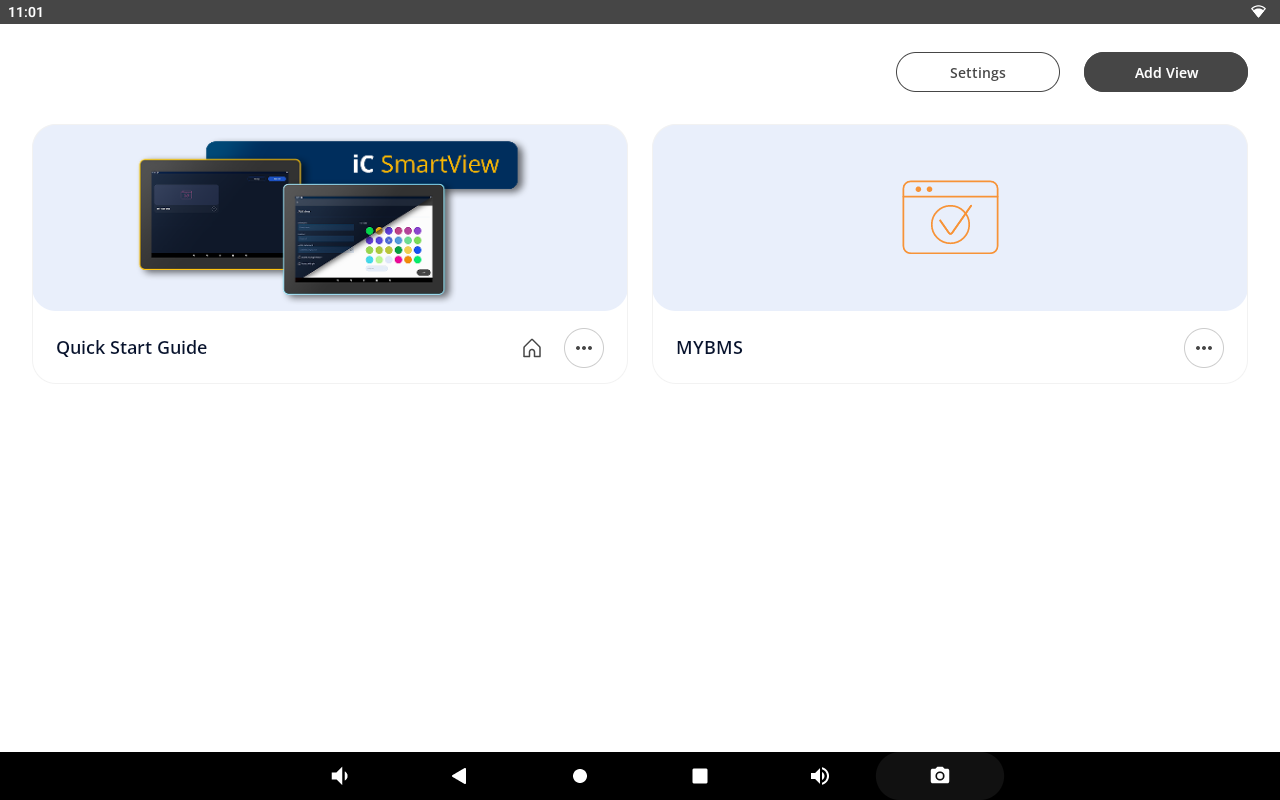
Getting started with iC SmartView is easy! The QuickStart Guide provides an overview of the application's key features, allowing users to take full advantage of its potential. The Quick Start Guide is available from a separate tile or, when deleted, from the device settings.
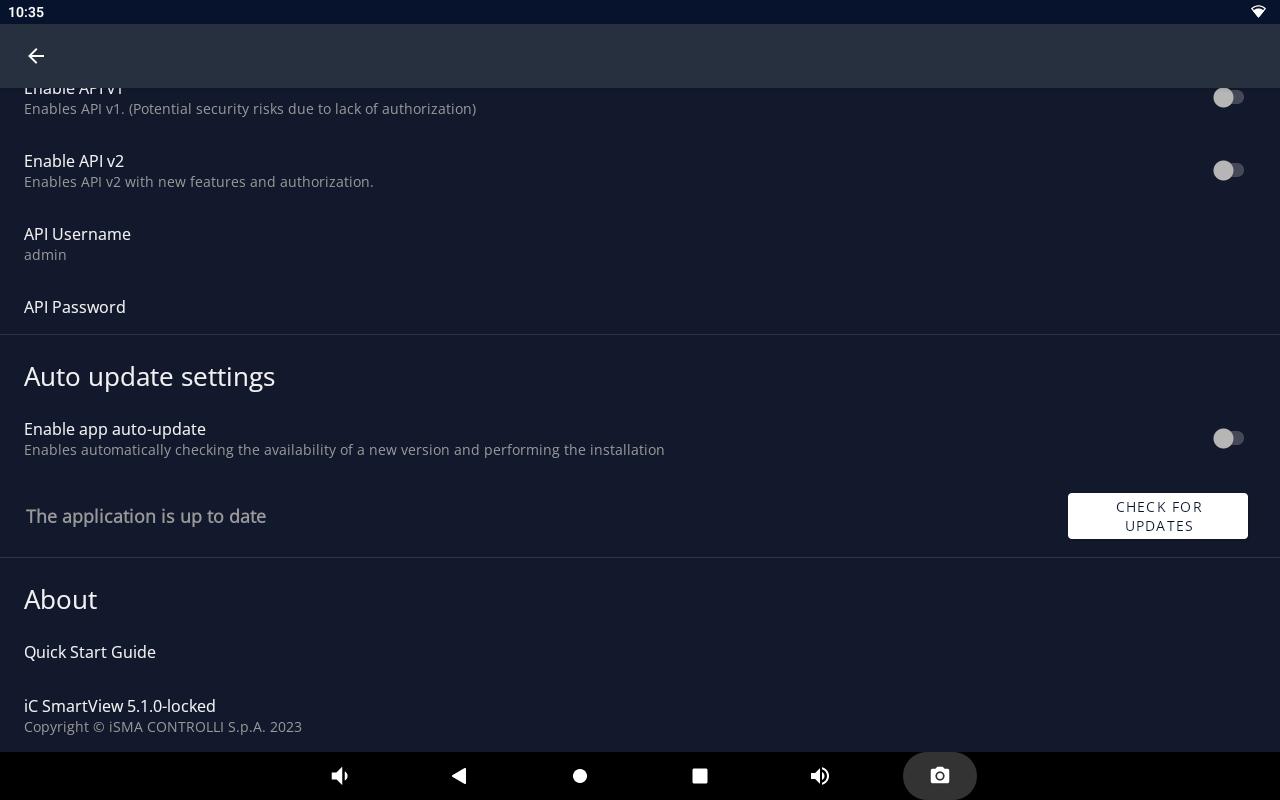
The Quick Start guide describes the application's features and includes quick-start steps and videos for the following actions:
- adding a new view:
- customizing a tile;
- auto-login;
- PIN protection;
- UI configuration:
- hiding a navigation bar;
- hiding a system navigation;
- switching on a screensaver;
- switching a theme mode;
- kiosk mode:
- accessing kiosk mode settings;
- restricting panel access;
- setting kiosk unlock password;
- managing connections in the kiosk mode;
- import/export settings:
- accessing import/export settings;
- saving application settings;
- importing saved settings;
- Rest API:
- accessing API settings;
- enabling API versions;
- defining API credentials;
- auto update:
- accessing auto update settings;
- enabling automatic version checks;
- manually checking for updates.