Warning!
This section applies to all Control Point series: the Control Point and Control Point VAV.
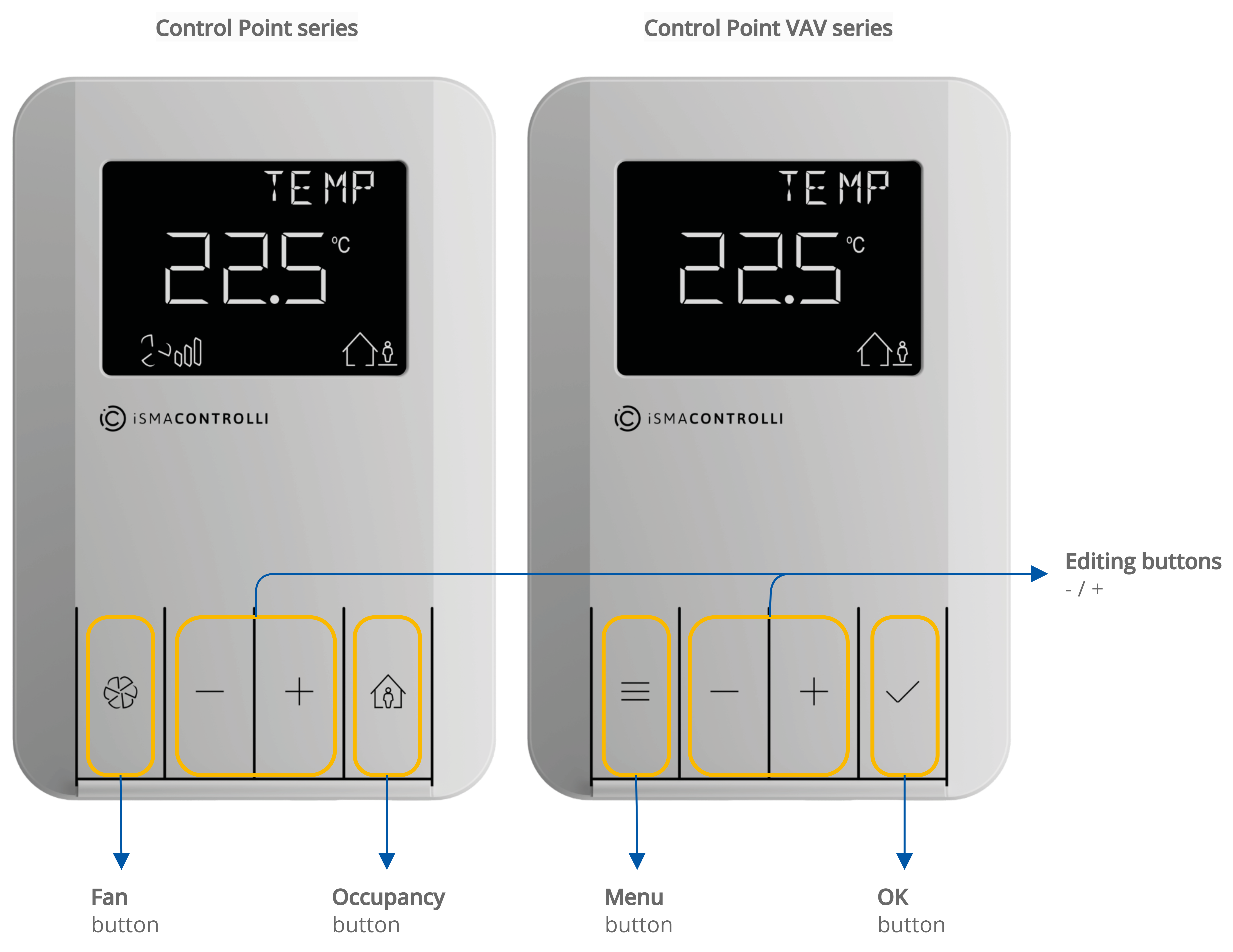
Direct interaction with the Control Point device is possible using keypad buttons. The panel’s UI allows to:
-
increment/decrement values on a display,
-
control fan and occupancy, and
-
access certain room panel settings.